
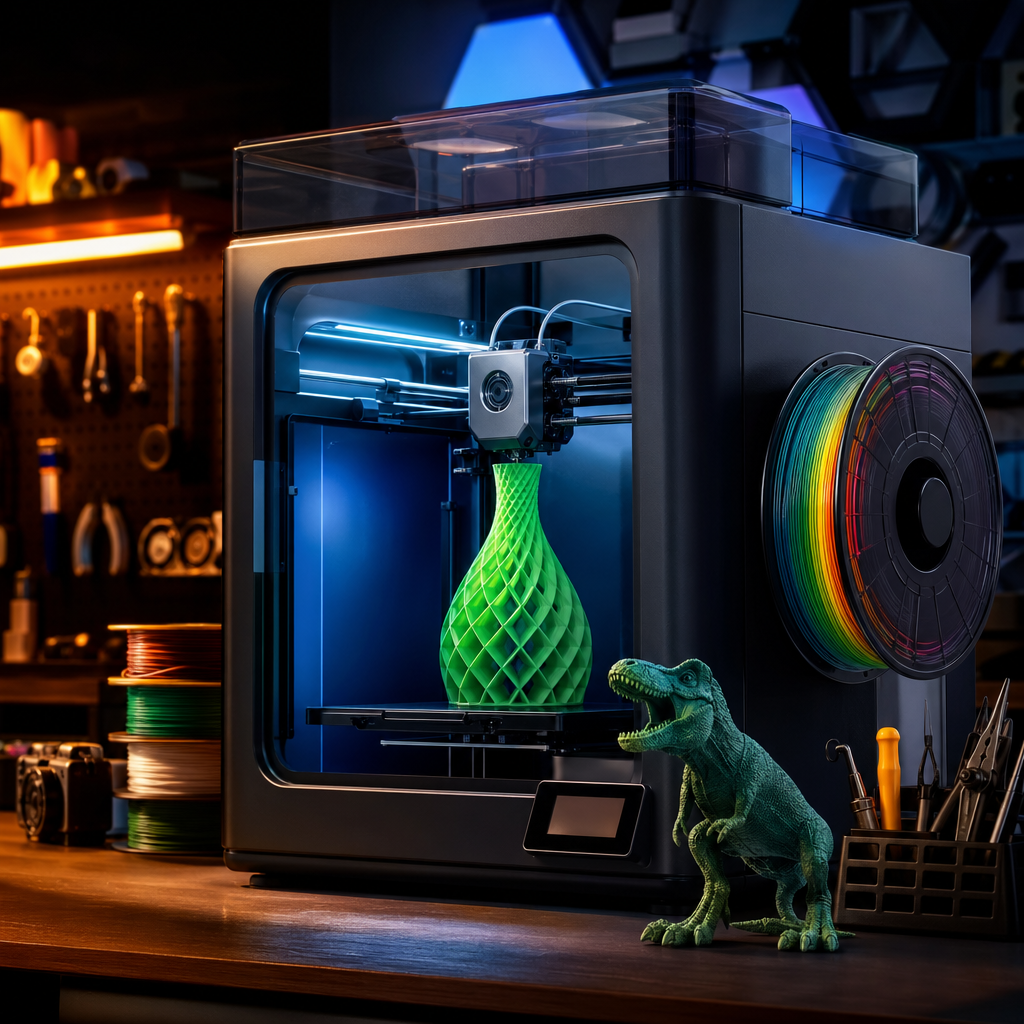
I’ll be honest with you: the first time my youngest got excited about 3D printing , I nearly let him just crack on unsupervised. He’d watched me print dozens of things in the garage, he knew roughly what the machine did, and he’s a sensible kid. But then I thought about the fact that the nozzle runs at over 200°C, the bed isn’t exactly cool either, and a thirteen-year-old’s definition of “careful” and mine don’t always overlap. So I pulled up a chair and we did it together. Best decision I made. Because 3D printing with kids, done right, is genuinely brilliant. Done carelessly, it’s a burns unit waiting to happen.
This guide is everything I’ve learned about introducing kids to 3D printing at home. From the right age to start, to which filaments are actually safe, to the kinds of projects that’ll keep them hooked without ending in tears or a ruined print bed. No scaremongering. No dumbing it down. Just practical stuff that works.
Before You Start: A Few Things Worth Knowing
Before you fire up the printer and let the kids loose, there are a couple of ground rules worth setting. First, this is not a set-it-and-forget-it activity for young children. Second, the type of printer you have matters more than you might think. An open-frame printer with an exposed nozzle and moving gantry is a different proposition to an enclosed machine. Either can work, but your supervision level needs to match. Read through the whole guide first, get your setup sorted, then bring the kids in. It’ll go much better that way.
Step 1: Work Out What Age-Appropriate Actually Means
One of the most common mistakes parents make is treating 3D printing as an all-or-nothing activity. It isn’t. There’s a sliding scale, and it works really well if you respect it.
Kids as young as five or six can genuinely enjoy 3D printing, but their role at that age is mostly watching, choosing, and cheering. They pick the model, press the button with help, and watch something appear layer by layer. That’s still magical at that age, and it builds curiosity without risk.
From around eight or nine, kids can start taking a more active role. They can load a design, understand what slicing software does (even if they’re not running it themselves), and handle finished prints safely. Some will be ready to start experimenting with basic design in something like Tinkercad, which is free, browser-based, and genuinely intuitive for that age group.
By the time they hit secondary school, around eleven or twelve and beyond, many kids can manage most of the printing process themselves with an adult nearby. They can slice models, start prints, monitor progress, and troubleshoot basic issues. That’s where it starts feeling less like a school project and more like a proper skill.
My rule of thumb: the younger the child, the more hands-on you need to be. It’s not about whether you trust them. It’s about the fact that hot plastic and moving machinery deserve respect at any age.
Step 2: Choose the Right Printer for Family Use
If you’re buying a printer specifically to use with your kids, the choice matters. I’ll cut to it.
For younger kids or beginners, a dedicated children’s printer like the Toybox is worth a look. Think of it as the Easy-Bake Oven of 3D printing. No setup, simple software, a built-in library of parent-approved models, and basic design tools for kids who want to make their own things. It’s not going to win any awards for print quality, and once a child hits secondary school they’ll probably outgrow it fast. But for ages five to nine, it removes almost all the complexity and just makes it fun. Worth noting that the Toybox is primarily sold in USD, so check current UK availability and pricing before you buy.
For families who want something that’ll grow with the kids, the Bambu Lab A1 Mini is where I’d point most people. It’s compact, requires almost no assembly, produces reliable prints, and the software is genuinely beginner-friendly. At around £169 for the printer alone, or £299 with the AMS Lite multi-colour add-on, it’s not cheap, but it’s not going to frustrate you either. Amazon UK is a popular choice for first-time buyers thanks to the hassle-free returns policy, and that matters when you’re new to this.
If safety features are your top priority, look at the Flashforge Adventurer 5M Pro. It’s an enclosed printer, which means the hot nozzle and moving parts are behind a door rather than out in the open. For families with younger or more curious children, that extra layer of protection is genuinely worth having.
Whatever you buy, remember this: nozzles run between 190 and 300°C depending on the filament. Heated beds run at 60 to 110°C. On an open-frame printer, those surfaces are exposed. On an enclosed printer, they’re not. Neither type is inherently dangerous, but open-frame printers require more active supervision. The rule is simple: hands do not go inside a running printer, ever, regardless of age.
Step 3: Get the Filament Right
This is where a lot of parents don’t realise there’s even a choice to make. There is, and it matters.
PLA is your starting point and probably your permanent answer for printing with kids. It’s made from cornstarch, it’s biodegradable, it melts at around 200 to 220°C, and it produces very low levels of emissions during printing. In solid form it’s non-toxic, which matters if you’re printing things that younger children might handle regularly. PLA emits significantly fewer fumes than ABS during printing, making it the sensible default for any home where kids are present.
ABS should be avoided when children are around. In its solid form it’s fine, but when it melts it releases fumes that are genuinely unpleasant and potentially harmful. If you do ever use ABS, it needs a fully enclosed printer, good room ventilation, and no kids nearby.
PETG is a reasonable middle ground if you need something more durable than PLA. It’s stronger, handles heat better, and the emissions are low in a well-ventilated room. Just keep the garage door open or a window cracked, and you’ll be fine.
For kids’ projects, PLA every time. It prints easily, comes in brilliant colours, and you’re not going to lose sleep over the fumes.
Step 4: Pick the Right Starting Projects
A failed first print is demoralising for a kid in a way that it isn’t for an adult. Adults shrug, adjust the settings, and try again. Kids often just want to know why it didn’t work. So start with things that are almost guaranteed to succeed.
Good starter projects:
- Name plaques. Simple, personal, and they’ll actually want to keep it.
- Keyrings and bag tags. Quick prints, visible results, immediately useful.
- Simple geometric shapes. Cubes, spirals, interlocking rings. These build understanding of how layer-by-layer printing works without requiring complex design.
- Fidget toys and desk gadgets. These are everywhere on Thingiverse and Printables, they print reliably in PLA, and teenagers especially seem to have a bottomless appetite for them.
- Board game pieces and holders. Practical, they actually get used, and kids get to see their print in action at the dinner table.
Avoid anything with large overhangs, fine detail, or long print times for the first few sessions. A six-hour print that fails at hour five is nobody’s idea of a good time.
Sites like Thingiverse, Printables, and Cults3D all have free, kid-friendly model libraries. Many are tagged by difficulty and estimated print time. Start there before worrying about designing from scratch.
Step 5: Make It a Learning Activity, Not Just a Hobby
This is the bit I genuinely enjoy most. 3D printing, when you think about it, quietly teaches kids a remarkable range of skills without it ever feeling like school.
They’re learning about geometry when they resize a model. They’re thinking about material properties when you explain why PLA doesn’t like high temperatures. They’re doing problem-solving when a print doesn’t come out right and you work through it together. If they start designing their own models in Tinkercad, they’re learning spatial reasoning and basic engineering thinking.
For the right kid, this can also be a gateway into STEM subjects in a way that feels genuinely exciting rather than curriculum-mandated. My eldest started taking an interest in how the slicer calculated supports, which led to a conversation about structural load, which led to a school project. None of that was planned. It just happened because the hands-on element gave the abstract stuff somewhere to land.
If It’s Still Not Going Well
Prints keep failing: Start with a pre-sliced file rather than slicing yourself. Make sure the bed is level and the first layer is sticking. PLA on a clean glass or PEI bed rarely has adhesion issues if the settings are right.
The kids have lost interest: Shorten the project. A thirty-minute print holds attention far better than a four-hour one. Let them choose the design, even if it’s something you’d never print yourself.
Fumes or smells are worrying you: Check your filament. If you’re using PLA and there’s a strong smell, try a different brand or check your print temperature isn’t set too high. Ventilate the room regardless.
You’re Ready to Go
3D printing with kids is one of the most rewarding things I’ve done in the garage, and I say that as someone who has built drones, RC planes, and several printers from scratch. There’s something different about watching a child’s face when an object they chose, or designed, materialises from nothing. It doesn’t get old.
Start simple, use PLA, stay nearby, and let them lead once they’re ready. If you hit a wall or something isn’t working the way it should, drop a comment below and I’ll do my best to help.
Want more practical tech guides for real family life? I send a weekly newsletter with exactly this kind of thing. No fluff, no filler. Come and join the community over at Tech Dads Life on Beehiiv and get it straight to your inbox.
