
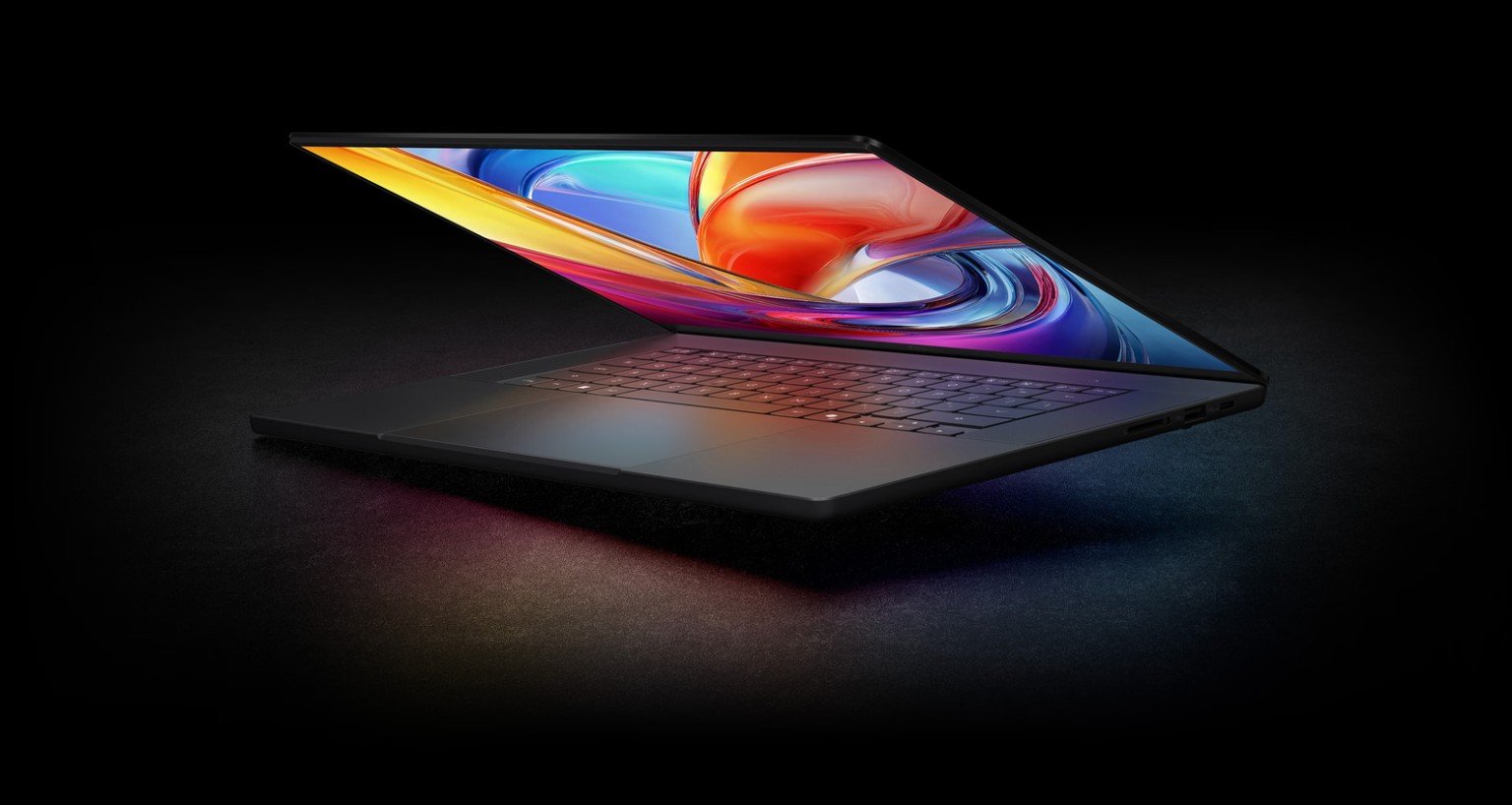
If you have been waiting for a laptop that can actually run serious AI workloads without sending your files to the cloud, 2026 might finally be the year. ASUS turned heads at Computex 2026 with two machines, the ProArt P16 and ProArt P14, powered by NVIDIA’s brand new RTX Spark chip. And honestly, as someone who creates content and cares about what tools I use, I have not been this excited about a laptop announcement in a long time.
Here’s what makes these genuinely different, and why they matter to anyone who makes things for a living, or just for fun.
What Is the NVIDIA RTX Spark Chip?
Before we get into the laptops themselves, you need to understand the chip powering them, because this is where it all starts.
NVIDIA RTX Spark (code name N1x) is described as the world’s first Windows PC chip purpose-built for personal AI agents. That is not marketing fluff. It is a fundamentally different design. Instead of having a separate CPU, GPU, and RAM all talking to each other across different parts of the motherboard, RTX Spark is a superchip: everything lives together in a single integrated package.
Specifically, it packs a 20-core NVIDIA Grace CPU, a next-generation Blackwell RTX GPU with 6,144 CUDA cores, and up to 128 GB of unified memory, all sharing the same pool of RAM. That last point is huge. The CPU and GPU both dip into the same memory well, which means there is no bottleneck from constantly shuffling data between them. Whether you are running a large language model, generating AI images, or rendering a 4K video timeline, the system routes power to wherever it is needed at that moment.
The result? Up to 1 petaflop of AI performance in a laptop thin enough to slide into a standard bag.
For comparison, the NVIDIA Project DIGITS desktop AI computer (which launched earlier in 2026 at around £2,400 and is about the size of a Mac mini) uses the same GB10 Superchip architecture. The RTX Spark brings a version of that thinking into portable form.
How Is This Different From a Regular Laptop?
A normal laptop, even a powerful one, splits its resources across separate components. The CPU handles general tasks. The GPU handles graphics. RAM is shared but accessed differently by each. When you try to run an AI model locally, the CPU often gets overwhelmed, the GPU runs out of its own dedicated VRAM, and the whole thing crawls or crashes.
Most people have gotten used to the workaround: send it to the cloud. Run your AI tools via an API, wait for a response, hope the subscription stays affordable. It works, but it means your creative work depends on an internet connection, someone else’s server, and ongoing fees.
The RTX Spark architecture, and the ProArt laptops built around it, flips that entirely. With 128 GB of unified memory, these machines can run large AI models entirely on-device. We are talking about 120-billion-parameter language models, generative image tools, local video AI, all running on your machine, in your bag, in a coffee shop, on a plane, without sending a single byte to the cloud.
That is the real difference. It is not just faster. It is a different category of machine.
What Can You Actually Do With It, Locally?
This is the part I find most compelling as a tech dad who actually uses these tools. ASUS has published some concrete examples of what the RTX Spark platform can handle locally:
- Render ultra-large 90 GB+ 3D scenes (think Blender or Unreal Engine-level work)
- Generate 4K AI videos on-device
- Run 120-billion-parameter LLMs with up to 1 million token context windows
- Handle real-time AI assistance inside creative apps without cloud dependency
- Accelerate workflows in DaVinci Resolve, ComfyUI, Adobe Creative Cloud, and more
For creators specifically, ASUS has also built a suite of software that runs locally and takes advantage of the hardware. StoryCube intelligently organises your photo and video libraries, integrates with GoPro Cloud, and uses AI albums to automatically sort your best footage. MuseTree is an AI-powered idea and mood board tool that stores and builds on your creative concepts over time. The ProArt Creator Hub manages system resources, switching between high-performance and efficiency modes depending on what you are doing.
These are not gimmicks. If you shoot a lot of GoPro footage, work with large image libraries, or iterate on creative concepts quickly, these tools are directly useful.
The Displays Are Exceptional
Creator laptops live or die on their screens, and both machines deliver here.
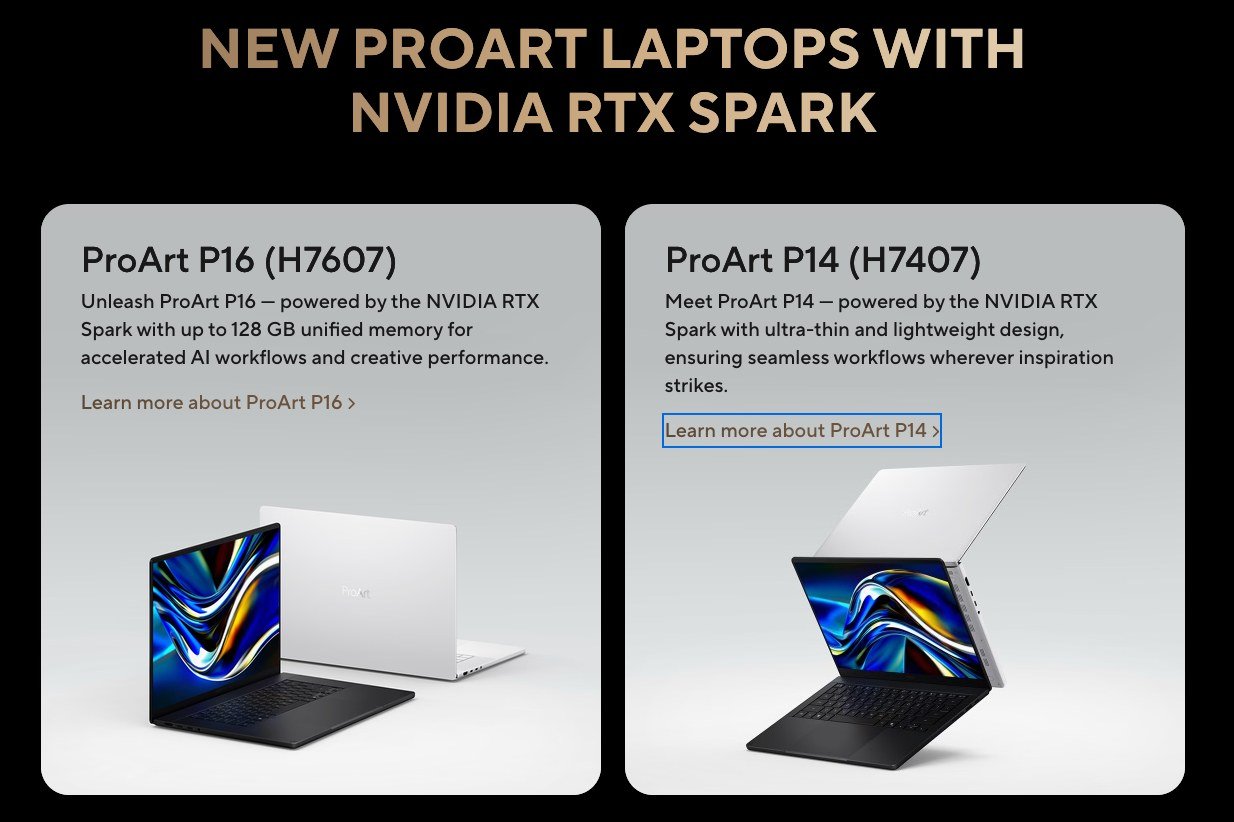
The ProArt P16 features a 16-inch 4K ASUS Lumina Pro OLED display at 120 Hz with VRR support, hitting 1,600 nits peak brightness and covering 100% of the DCI-P3 colour space. The P14 steps down to a 3K display at similar specs. Both are Pantone Validated with Delta E < 1 colour accuracy, meaning what you see on screen is genuinely faithful to your final output, which matters enormously for photography, video, and design work.
The anti-reflection coating cuts glare by up to 65%, which is a real-world benefit if you ever try to edit footage somewhere with overhead lighting or windows. The 120 Hz refresh rate with variable refresh rate support also means smoother timeline scrubbing and more comfortable extended editing sessions.
Size, Weight, and Build
The P16 sits at 12.9 mm thin and weighs approximately 1.77 kg. The P14 is even more compact at 13.9 mm thin and roughly 1.48 kg. Both are CNC-machined and come in Nano Black or Neo White. ASUS rates them as military-grade durable, which means they have been tested for drops, temperature extremes, and general travel abuse.
To put the weight in perspective: a MacBook Pro 14-inch weighs around 1.55 kg. The P14 is right in that territory, but with specs that push significantly beyond what Apple’s comparable machines can do for on-device AI workloads.
Battery Life
The P16 carries a 99.9 Wh battery, which is essentially the maximum allowed on commercial flights. ASUS describes this as all-day battery life, and given the efficiency of the RTX Spark architecture (which is Arm-based, similar in philosophy to Apple Silicon), that claim is more believable than it would be on a traditional Intel/NVIDIA pairing. The P14 uses a 90 Wh battery.
Official rated hours have not been published at time of writing, but the combination of efficient Arm CPU cores and the unified memory architecture should deliver meaningfully better battery life than previous-generation ProArt machines under mixed workloads.
Connectivity and Storage
Neither machine skimps on ports. Both include USB-C, HDMI 2.1, USB-A, and SD card readers, so you can connect cameras, external drives, and displays without a hub in most situations. WiFi 7 is standard.
Storage options have not been fully confirmed across all configurations at launch, but based on the premium positioning of the range, NVMe SSD options will almost certainly start at 1 TB with higher-capacity configurations available. The unified memory architecture means the 128 GB ceiling is for RAM, not storage. The two are completely separate.
Pricing and Availability
ASUS has not published final retail pricing at the time of writing, which is typical for Computex launches where configurations and regional availability are confirmed closer to on-shelf dates. Based on the positioning and component cost, expect pricing to start somewhere in the region of £1,600 to £2,000 for base configurations, with fully-specced 128 GB models likely pushing toward £2,800 or higher (roughly $2,000 to $2,500 and $3,500+ USD respectively).
For comparison: the NVIDIA Project DIGITS desktop machine with similar GB10 Superchip architecture launched at around £2,400 ($3,000). The ASUS ProArt P16 delivers comparable local AI capability in a portable, creator-optimised form with a premium OLED display. That context makes the expected price range feel reasonable rather than outrageous.
The ProArt P16 and P14 are expected to launch in mid-to-late 2026. Worth keeping an eye on the ASUS ProArt product page for confirmed dates and regional availability.
Is It Worth It?
For a professional creator or someone who relies heavily on AI tools as part of their workflow, the answer is probably yes, especially if you have been paying ongoing API costs or frustrated by cloud dependency.
Running a 120-billion-parameter model locally, generating AI video on-device, editing 4K footage with real-time AI assist, all in a sub-1.8 kg machine with all-day battery. That is genuinely new capability, not a spec bump.
For a tech dad who does this stuff on the side, the value case depends on how much you are currently spending on AI subscriptions and cloud tools. If you are doing serious content creation, the ProArt P16 in particular could replace both a laptop and a meaningful chunk of your monthly AI tooling spend.
If you just browse the web, watch YouTube, and use Office, this is overkill. But you probably already knew that.
Why I’m Personally Excited About This
My current setup is an ASUS ROG Strix with a dedicated NVIDIA GPU, which is technically a laptop but realistically it lives on a desk. It is powerful and handles video editing and AI tools well, but it is not something you throw in a bag for a trip. It is heavy, bulky, and the battery life under load does not make it a credible travel machine. In practice, it functions like a desktop.
That leaves me with a Mac Mini M4 as my proper desktop for lighter creative and AI work, and not much of a real answer when I am away from home. When travelling I either go without serious processing power or accept heavy compromises. That gap has been frustrating.
What the ProArt P16 represents to me is the machine that fills that gap. Not just a laptop, but one with enough on-board AI processing to genuinely replace what I have been missing on the road. Is it going to match the raw GPU performance of the ROG Strix? No. Will it beat the M4 Mini’s energy efficiency for light tasks? Probably not. But that is not the point.
The point is real, on-device AI processing that actually travels with you. Running a large language model on a flight. Generating images in a hotel room without burning API credits. Having a machine that earns its place in a bag rather than sitting permanently on a desk. For the first time in a while, there is a laptop that looks like it could genuinely change how I work when I am away from home.
If the price lands where I hope, this is the one.
Final Thoughts
The ASUS ProArt P16 and P14 are not just powerful laptops. They represent a shift in what portable creative machines can do. The NVIDIA RTX Spark chip brings genuine local AI capability at a scale that was not available in a laptop format before, and ASUS has wrapped it in a machine that actually looks and feels worth carrying every day.
Keep an eye on the ASUS ProArt page for pricing and availability as they firm up. This one is worth watching closely.
Sources: ASUS ProArt Laptop Series | ASUS Blog: Why ProArt P16 & P14 Stole the Show at Computex 2026
