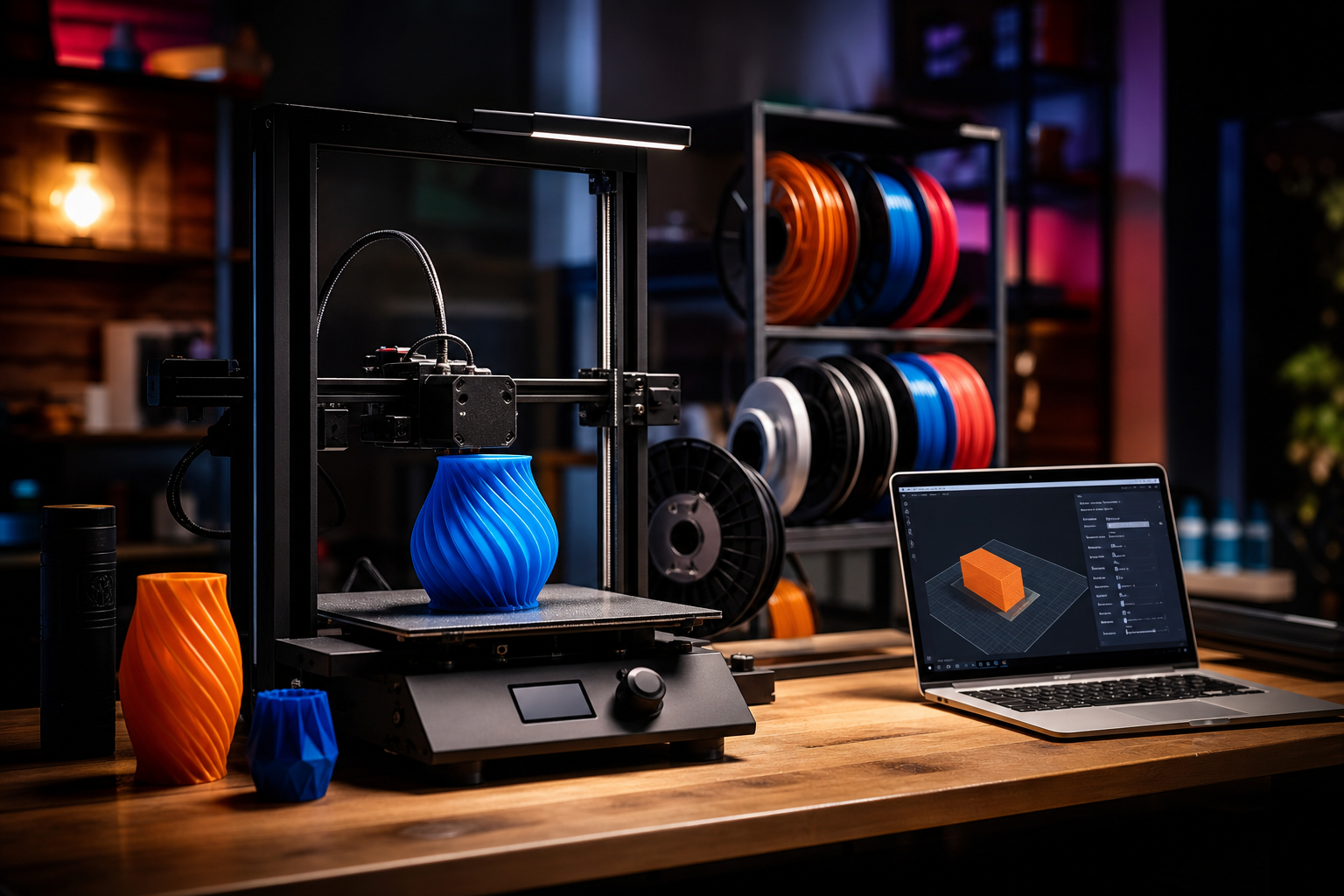
I started with Creality. That probably dates me in 3D printing terms, but there it is. Back when the Ender 3 was the entry point for anyone curious about printing at home, Creality was the obvious answer. It was cheap, the community was massive, and half the fun was tinkering with it. My Bambu Lab P2S sits on the desk now, and if I’m being honest, the comparison isn’t really close in day-to-day use. It just works. Profiles load, prints succeed, the AMS hums away doing its thing. There’s almost nothing to fiddle with, which took some getting used to for someone who used to enjoy the fiddling.
But that’s exactly the problem with framing this as “which printer should I buy.” The real question in 2026 is which ecosystem you’re committing to, because once you’re in, getting out costs more than the hardware. Filament profiles, cloud history, spare parts, slicer familiarity, the community you rely on for help and model files, all of it accumulates. This article isn’t a spec sheet. It’s an honest look at both ecosystems as a whole, so you can make that decision once rather than regret it six months later.
Google Trends backs up what the community already feels: Bambu Lab is pulling decisively ahead in UK search interest, and that gap has been widening since late 2025. That tells you something about where new buyers are landing. But search trends don’t tell you whether a platform is right for you specifically. Let’s dig in.
Slicer Software: Polish vs Power
Bambu Studio in 2026 is genuinely impressive. Automatic print profiles mean you load filament, select your model, and the slicer handles the rest with settings that are already dialled in. The multi-printer farm interface lets you monitor everything on one screen, including filament levels and job progress. The AI camera failure detection catches spaghetti prints before they become disasters. For someone who wants to spend time designing and printing rather than calibrating, it’s a well-considered piece of software.
Creality Print, used across the K-series machines, has improved but still lags. It’s been criticised as buggy, particularly on macOS, and the experience isn’t as cohesive. What Creality does offer, though, is Klipper under the hood. If you’re the sort of person who wants to write your own macros, automate complex sequences, or push the firmware to do something unusual, Creality’s open approach gives you genuine access. Bambu’s closed system simply doesn’t allow that. It’s a real difference, and it matters depending on which kind of maker you are.
There is, however, a significant cloud over Bambu Studio right now. A firmware update introduced an “Authorisation Control” feature that restricts communication with third-party slicers, including the popular Orca Slicer. Orca Slicer’s developer publicly declined to adopt Bambu’s workaround, calling it unnecessary. In April 2026, this escalated into a cease-and-desist against a community fork maintainer who had restored direct printer control. That’s a pattern worth watching. The software is polished, but Bambu Lab is increasingly deciding what you can and can’t do with your own printer.
Cloud, App and the Ecosystem Lock-In Question
Bambu’s cloud architecture is seamless in a way that genuinely adds convenience. Remote monitoring, firmware updates, multi-device access, it all works transparently. For a home user printing toys, replacement parts, and useful family projects , you’ll likely never notice the plumbing underneath.
The concern is what happens when Bambu changes the terms. In January 2025, the company announced firmware changes that would gate core functions, including LAN printing and print initiation, behind Bambu Cloud authorisation. Users rightly pushed back hard, and the rollout was walked back. But the question was never properly answered: will Bambu publicly commit to never requiring a subscription to control your own printer on your own network? That’s still an open question in 2026, and it’s one worth sitting with before you buy three printers and an AMS setup.
Creality, by comparison, is far less cloud-dependent. The tradeoff is that the remote management experience is rougher and less integrated. If you value local control and open-source flexibility, Creality wins here clearly. If you value convenience and are comfortable with a degree of cloud dependency, Bambu’s implementation is the better day-to-day experience.
Filament, AMS, and the Multi-Colour Ecosystem
This is where Bambu’s lead feels most tangible to me personally. The AMS (Automatic Material System) is a genuinely clever piece of kit once you’ve got it dialled in. Load up to four spools, print multi-colour models without manual filament swaps, and the system tracks remaining filament per spool automatically. It’s not perfect. Waste purging adds material cost and time. But for a family wanting to print things that actually look good without becoming a filament expert overnight, it’s a practical solution.
Bambu filament profiles are tightly integrated into the slicer, which means third-party filament works but sometimes requires manual profile tweaking. Creality’s more open approach means less friction with any filament brand from day one, though you’re doing more of the calibration work yourself.
Creality has entered the multi-colour space with the K2 Pro Combo, which is a genuine competitor. But in terms of the maturity and depth of the multi-material ecosystem, Bambu is considerably further ahead right now.
Community, Model Libraries and Support
| Feature | Bambu Lab | Creality |
|---|---|---|
| Model library | MakerWorld (large, fast-growing) | Creality Cloud (smaller, less curated) |
| Community size | Growing rapidly, strong Reddit presence | Established, especially for older Ender community |
| Open-source | Closed firmware, AGPL-licensed software | Klipper-based, more genuinely open |
| Spare parts | Available, solid UK retailer support | Widely available, especially for older models |
| Software (Win) | Excellent | Decent, improving |
| Software (Mac) | Good | Reported buggy |
| Third-party slicer support | Restricted (ongoing controversy) | Open |
| Cloud dependency | High | Low |
| Multi-colour system | AMS (mature) | K2 Pro Combo (newer) |
| UK entry price | ~£299 (A1 Mini) | ~£169 (Ender 3 V3 SE) |
MakerWorld, Bambu’s model-sharing platform, has grown quickly and the integration with Bambu Studio is tight. You can send a model directly to print from the browser. Creality’s community is larger historically, particularly around the Ender series, but for newer machines the depth of user-generated content and support threads is thinner.
For spare parts, both brands have reasonable UK availability through retailers like 3DJake. Bambu’s newer ecosystem means fewer years of community-tested repair guides, but the machines tend to need less intervention in the first place.
Hype Cycle Check
LIKELY TO LAST: Bambu Lab’s ecosystem polish and AMS multi-colour system. The out-of-box experience is genuinely ahead of the competition, and the search trend data suggests that new buyers are voting with their wallets consistently.
WATCH CLOSELY: Bambu Lab’s authorisation and cloud control policies. The January 2025 controversy was reversed, but the underlying intent hasn’t gone away. Any move towards subscription gating of core printer functions would be a serious problem for existing owners. The cease-and-desist against open-source community forks is also worth monitoring closely.
VAPOURWARE RISK: Creality’s multi-colour ambitions with the K2 Pro Combo are real hardware, but the software ecosystem to support it at Bambu’s level of polish isn’t there yet. Creality has the engineering capability. Execution and software quality control are the persistent question marks.
CES 2027 Angle
3D printing has become a reliable presence at CES, and with Bambu Lab’s growth trajectory and the H2D’s launch momentum, I’d expect a serious flagship announcement from them in Las Vegas in January. Having attended CES numerous times over the years, the more interesting angle might be whether Creality uses CES 2027 to make a credible software and ecosystem play, rather than just another hardware announcement. The gap in polish between the two platforms is the gap Creality needs to close. Hardware specs are almost close enough. Software and ecosystem coherence isn’t, yet.
What to Watch
- Bambu Lab’s authorisation policy, specifically whether any future firmware update reinstates cloud dependency for basic LAN printing. This is the single biggest risk for existing Bambu owners.
- Creality Print for macOS. If Creality can ship a genuinely stable Mac client, it removes one of the most consistent criticisms from the community.
- MakerWorld vs Creality Cloud model library growth. Community and content depth will increasingly determine which platform feels more alive to new users.
- Bambu Lab H2D availability and reviews. The large-format dual extruder flagship is on pre-order. Real-world performance at that price point will tell us a lot about where Bambu’s ambitions are heading.
If you’re a first-time buyer with no existing hardware investment, Bambu Lab is the easier recommendation right now. The ecosystem is more cohesive, the software is more refined, and the maintenance experience is far less demanding. If you’re a tinkerer who values open firmware, local control, and the freedom to run any software you like, Creality’s open approach is a genuine strength that Bambu has actively moved away from.
The switching cost is real in both directions. Just make sure you’re buying into the right ecosystem for who you actually are as a maker, not who you think you’ll become.
Want this kind of ecosystem breakdown for every major tech category, not just 3D printing? I cover it all at Tech Dads Life , and the newsletter goes deeper on the things that actually matter for families investing in technology at home. Sign up at techdadslife.beehiiv.com and I’ll land in your inbox when it counts.