
TECHDADSLIFE.COM | 3D Printing
Let me save you several weeks of confused research.
When I was looking at my first 3D printer, the amount of conflicting advice online was genuinely bewildering. Every forum had a different answer. YouTube videos that were three years old were recommending machines that had been superseded twice. And the terminology - FDM, CoreXY, direct drive, bed slinger, PETG, PLA, ABL - made it feel like joining a hobby with a deliberately high entry barrier.
Here is the honest version. 3D printing in 2026 is significantly more accessible than it was even two years ago. The machines are better, the software is better, and the community resources are better. You do not need to be a technically-minded hobbyist to get good results from a modern printer. But you do need to pick the right one.
First: What Do You Actually Want to Print?
Before I give you machine recommendations, answer this question honestly. Because the answer changes which printer makes sense.
Option A: I want a reliable tool that just works. You want to download a model from MakerWorld, press print, and come back to a finished object. You are not interested in tweaking firmware or building community knowledge about bed adhesion. You have limited time and you want results.
Option B: I want to learn the craft. You enjoy tinkering. You are comfortable reading documentation, watching tutorial videos, and working through problems. The process of understanding the machine is part of the appeal.
If you are Option A, buy a Bambu Lab machine. Full stop.
If you are Option B, a Creality Ender-3 V4 will teach you more and cost you less - but the learning curve is real.
If you are somewhere in between, there is a middle path I will cover.
The Beginner Picks for 2026
Best for Just Working: Bambu Lab P1S - £399 to £449
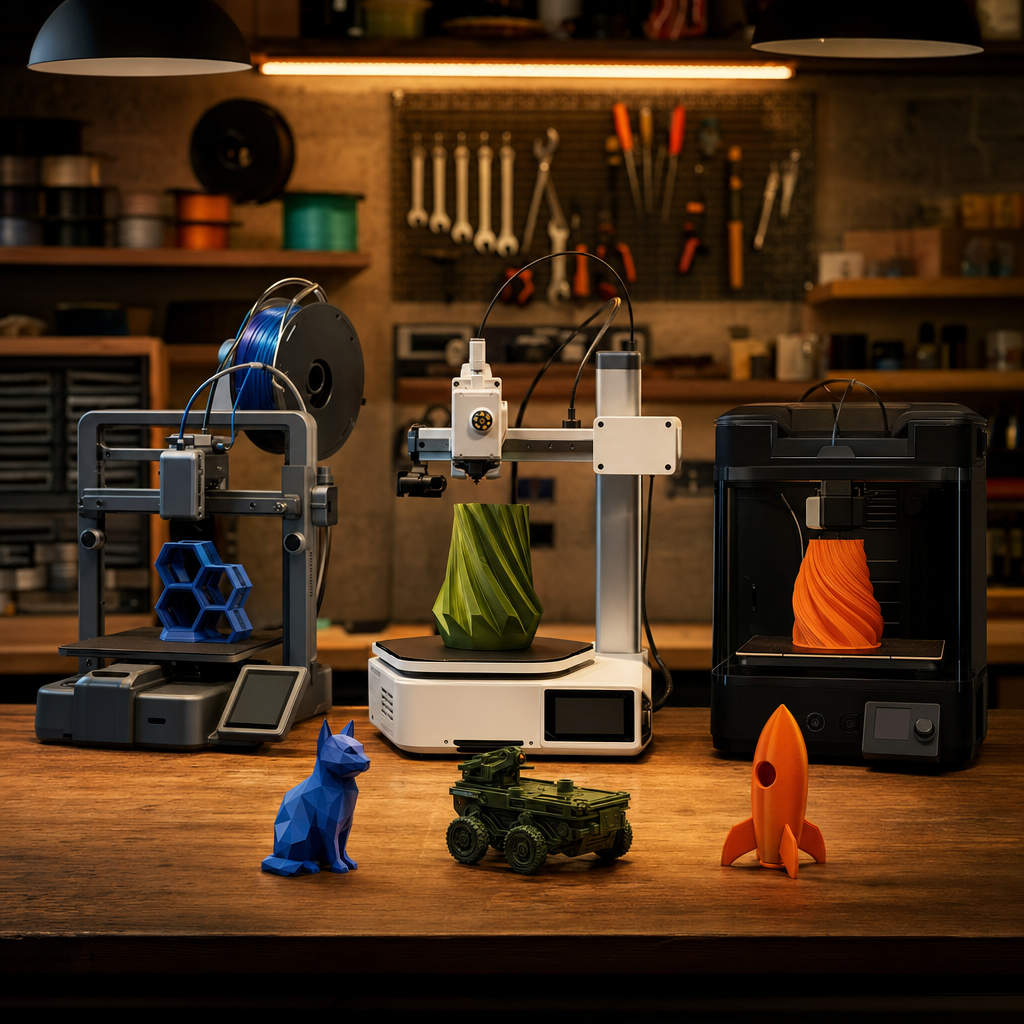
The P1S is Bambu Lab’s enclosed mid-range printer and currently the best value in their lineup following the P2S and X2D launches. Prices have dropped to the £399 range and the machine is still outstanding.
What makes Bambu different for beginners is the whole ecosystem. Bambu Studio (the slicing software) is intuitive. MakerWorld (the model community) has pre-configured print profiles for thousands of models - you download, open, and click print with settings already optimised. The automatic bed levelling, vibration compensation, and flow calibration all run without user input.
In practical terms: you take it out of the box, follow a setup process that takes about 20 minutes, and you are printing good-quality objects by the end of the first hour. That experience does not exist on any budget printer.
The catch: it is enclosed and does not have the absolute cheapest price tag. If budget is the primary concern, there are cheaper options - but you will spend the saved money in time troubleshooting.
Best for Learning the Craft: Creality Ender-3 V4 - £200 to £250
The Ender-3 is the printer that introduced most of the 3D printing community to the hobby. The V4 is the best version yet - automatic bed levelling, direct drive, touchscreen, and a large build volume for the price.
It is not as fast as the Bambu. It requires more user attention to get consistently good results. You will learn about first-layer calibration, print temperatures, fan speeds, and retraction settings whether you want to or not. But by the time you have printed fifty objects on an Ender, you understand 3D printing in a way that Bambu owners simply do not - because the machine has made you solve problems.
If you are the kind of person who will enjoy that, the Ender-3 V4 is a fantastic machine.
Best Middle Ground: Bambu Lab A1 Mini - Around £250 to £300
The A1 Mini is Bambu’s open-frame (non-enclosed) printer at a lower price point than the P1S. It is smaller, lighter, and simpler - but it has the same Bambu Studio software and MakerWorld integration. Automatic levelling, reliable prints, beginner-friendly.
The limitations: no enclosure (fine for PLA and PLA+, less ideal for ABS or engineering materials), smaller build volume, and slightly slower than the enclosed machines. For a beginner printing toys, organiser trays, and household items, none of those limitations matter in practice.
Realistic Expectations: What Beginners Often Get Wrong
You will have failed prints. Every 3D printing veteran has a shelf of failed objects. It is part of the process. Parts detach from the bed, supports fail, layer adhesion goes wrong. This happens less with better machines, but it never goes to zero.
PLA is your starting material. PLA is the easiest filament to print, it is biodegradable, it comes in every colour imaginable, and it is cheap. Start here. PETG is next once you have your settings dialled. Leave ABS, nylon, and carbon-fibre composites until you know what you are doing.
You need to think about space. A 3D printer is not a small appliance. A Bambu P1S in its packaging is about the size of a microwave. You need a stable surface, ventilation (especially for non-PLA materials), and somewhere to store filament that stays dry. A garage shelf or spare bedroom desk are both fine. The kitchen counter next to the toaster is not ideal.
Filament needs to stay dry. This is the thing nobody tells beginners. Filament absorbs moisture from the air, which causes popping sounds, rough surfaces, and weak prints. Store unused spools in sealed bags with silica gel desiccant packets. If filament has been sitting out for months, it may need drying in a low-temperature oven before it prints cleanly again.
The Starter Kit: What to Buy Beyond the Printer
When you buy a printer, buy these at the same time:
A pack of assorted PLA filament. Most printers come with a small starter spool, but you want more colours and more material before you start. eSUN, Bambu, and Polymaker are all reliable brands.
Isopropyl alcohol and a microfibre cloth. Cleaning the print bed before every print dramatically improves adhesion. A 99% IPA solution is standard.
A digital calliper. About £15 on Amazon. Invaluable for measuring parts you want to print replacements for, and for understanding whether your printer is accurately dimensioned.
A spatula or print removal tool. Most printers come with one, but a flexible stainless steel spatula is easier on flex-plate beds.
Head to Head: The Three Picks
| Bambu P1S | Bambu A1 Mini | Creality Ender-3 V4 | |
|---|---|---|---|
| Price | ~£399 | ~£260 | ~£220 |
| Ease of Use | Excellent | Excellent | Moderate |
| Print Quality | Excellent | Very Good | Good |
| Speed | Fast | Fast | Medium |
| Enclosed | Yes | No | No |
| Best For | Serious beginners | Budget Bambu | Tinkerers |
| Tinkering Required | Minimal | Minimal | Moderate |
The Tech Dad Take
| What I Think |
|---|
| I wish I had started with a Bambu. I spent more time than I care to admit troubleshooting a budget Creality machine when I first got into 3D printing, and while I learned a lot from it, I also learned frustration. The current generation of Bambu printers removes that barrier without removing the fun. If I were buying a first printer today for a dad who wants to make useful things without becoming a 3D printing expert, I would say: buy the Bambu A1 Mini if budget matters, the P1S if you want the enclosed version, or stretch to the P2S or X2D if you are serious about it. You will not regret any of those choices. |
What was your first 3D printer? I am always curious how people got started - find me on X / Twitter or drop a comment.
What to Print First - and the Mistake Most Beginners Make
The first print you make on a new printer will almost certainly be a calibration cube, a benchy boat, or whatever sample file came with the machine. That is fine. But the people who stick with 3D printing past the first month are the ones who moved quickly from “printing demo files” to “printing things the house actually needs.”
Here is my recommended path for a new printer owner:
Week one: Print the included samples and a calibration piece to confirm the machine is set up correctly. Adjust first layer height if needed. This is not optional - a printer that is slightly miscalibrated will frustrate you on every print until you fix it.
Week two: Find one genuinely useful household print on MakerWorld or Printables . A cable clip. A phone stand. A replacement hook for a kitchen cabinet. Something that has a purpose. Print it in PLA. When it works, you will understand the point in a way that no amount of demo prints achieves.
Month two onwards: Start solving your own problems. The moment you realise that if something is broken, ill-fitting, or missing in your house, you might be able to just make the part - that is the moment 3D printing becomes genuinely valuable rather than a hobby with a high equipment cost.
The mistake most beginners make: Buying too many filament types too early. Start with PLA. Print exclusively in PLA for at least two months. It is forgiving, it does not need an enclosure, it produces great results, and it will teach you how your machine actually behaves. PETG, ASA, ABS, TPU - all of those can come later. Trying to print flexible filament in week one on a Creality will end your 3D printing journey faster than anything else.
The second mistake: Not having somewhere organised to store filament. Wet filament is the cause of more failed prints than any hardware issue. Airtight containers with desiccant, or a proper filament dry box, are cheap and remove a major variable. Sort this before you buy your second spool.
On the Bambu ecosystem specifically: MakerWorld, Bambu’s model community, has become my first stop for finding ready-to-print files. The models are rated by real users, many are pre-sliced for Bambu machines, and the quality bar is higher than general file repositories because it is a more curated community. If you are on a Bambu printer, spend an evening exploring it before you start designing your own models - there is a very good chance what you want to make is already there.
If you have questions about getting started, find me on X or drop them in the comments. I remember the early confusion well enough that I am happy to help.
