
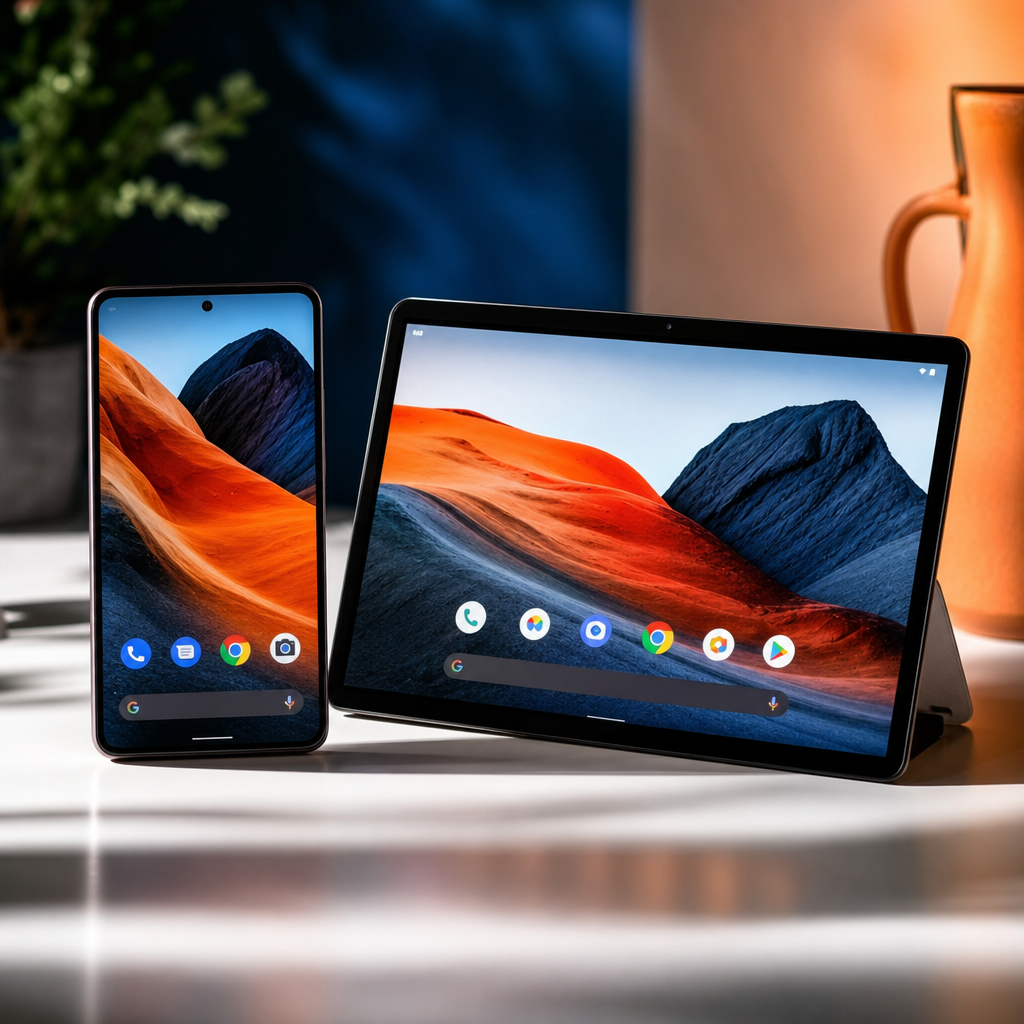
Google I/O 2026 kicked off on 19 May at Shoreline Amphitheatre in California, and as expected, artificial intelligence dominated the conversation. From Android 17 updates to a significant Gemini overhaul, Google used its biggest annual event to push hard on the idea that AI should be woven into every corner of your digital life. If you tried watching the keynote and found yourself lost in developer-speak by the fifteen-minute mark, you’re not alone. Here’s what actually matters if you’re a parent trying to figure out whether any of this is worth paying attention to.
Android 17: Practical Updates That Families Will Actually Notice
Android 17 has been in beta for a few months now, and while this isn’t the kind of dramatic redesign Android 16 brought last year, there are a handful of features that will make a genuine difference day to day.
The one I’m most interested in from a family perspective is native app locking. For years, parents have had to use third-party apps or bury things inside Private Space just to stop younger kids getting into apps they shouldn’t. Android 17 looks set to change that by letting you lock individual apps behind biometrics or a PIN at the system level. That’s a straightforward, sensible win, and honestly, it’s overdue. My youngest is thirteen and while he’s pretty good with his phone, having that kind of granular control at the OS level rather than relying on workarounds is exactly what parents have been asking for.
There’s also Motion Assist, which targets motion sickness by displaying a moving dot on screen that tracks the physical movement of the device when you’re in a vehicle. The idea is to help your brain reconcile the disconnect between what your eyes see on the screen and what your body feels. If you’ve got kids who get car sick on long journeys but still want to use their phones, this could be a quiet game-changer. It’s not flashy, but it’s the kind of thoughtful feature that will make a real difference on a four-hour drive to a campsite.
Then there are App Bubbles, Google’s take on floating windows. You can pop any app into a floating window and minimise it out of the way when needed. Most useful on foldables and larger-screen devices, but it points to Android maturing as a multitasking platform. That matters for older kids and teens using their phones for study as much as scrolling.
One thing worth clarifying. Google has already batted down rumours that Android 17 is going to borrow Apple’s Liquid Glass look. Android president Sameer Samat was pretty blunt about that on social media. There may be some heavier blur and frosted-glass effects in certain parts of the UI, but anyone expecting a wholesale iOS aesthetic clone will be disappointed.
Gemini AI: Smarter, More Personal, and Heading Into Your Family’s Google Apps
The Gemini updates at I/O 2026 are where things get genuinely interesting, even if some of it still feels a bit future-facing. Google is pushing towards what the industry is calling agentic AI, which basically means AI that can handle complex, multi-step tasks on your behalf without you having to babysit every step of the process. Think along the lines of planning a family holiday itinerary by pulling together flights, restaurants, opening times, and budget without you having to manually do seven different searches.
The upgrades to Gemini bring faster responses, stronger reasoning, and deeper integration across Google’s apps including Search, Maps, and the Google Assistant ecosystem. For families already living inside the Google world, that integration matters. If Gemini is pulling together smarter answers in Search, surfacing better results in Maps, and helping kids get unstuck with homework through a more capable assistant, that’s utility across the whole household.
On the family safety front, Google has been intensifying its efforts around verified app experiences on Android, and I think there’s a really compelling longer-term play here. It will be genuinely interesting to see whether Google moves to build something like Life360’s functionality directly into its own family features over time. A native, well-integrated family location tool built into Android, without needing a subscription to a third-party service, could be a big deal for parents. Nothing has been formally announced on that front, but I’ll be watching closely.
My Verdict
Google I/O 2026 is a solid, if not spectacular, event for families. Android 17’s native app locking and Motion Assist are the two features I’ll be using almost immediately, and they deserve more attention than they’re getting. The Gemini updates are promising but still feel like the early innings of something bigger. The agentic AI direction is the right one. It just needs time to become genuinely reliable before I’d trust it to book a hotel. What gives me real optimism is the direction Google is heading with verified apps and deeper family tools built into the OS itself. If they can bring proper family safety features into Android natively, they could take a meaningful bite out of what third-party subscription apps currently do, and do it better.
What To Do Right Now
If you’re on an Android phone, keep an eye out for the Android 17 stable update expected to roll out from June 2026. Pixel devices will get it first. When it arrives, head straight into settings and explore the new app locking feature. It’s the most immediately useful thing coming out of this event for parents. Everything else, particularly the Gemini updates, will filter through gradually and you won’t need to do anything to benefit.
Want a weekly roundup of the tech news that actually matters for your family, without the jargon? I send it out every week via the Tech Dads Life newsletter. Sign up here and I’ll make sure you never miss the updates worth knowing about.
