
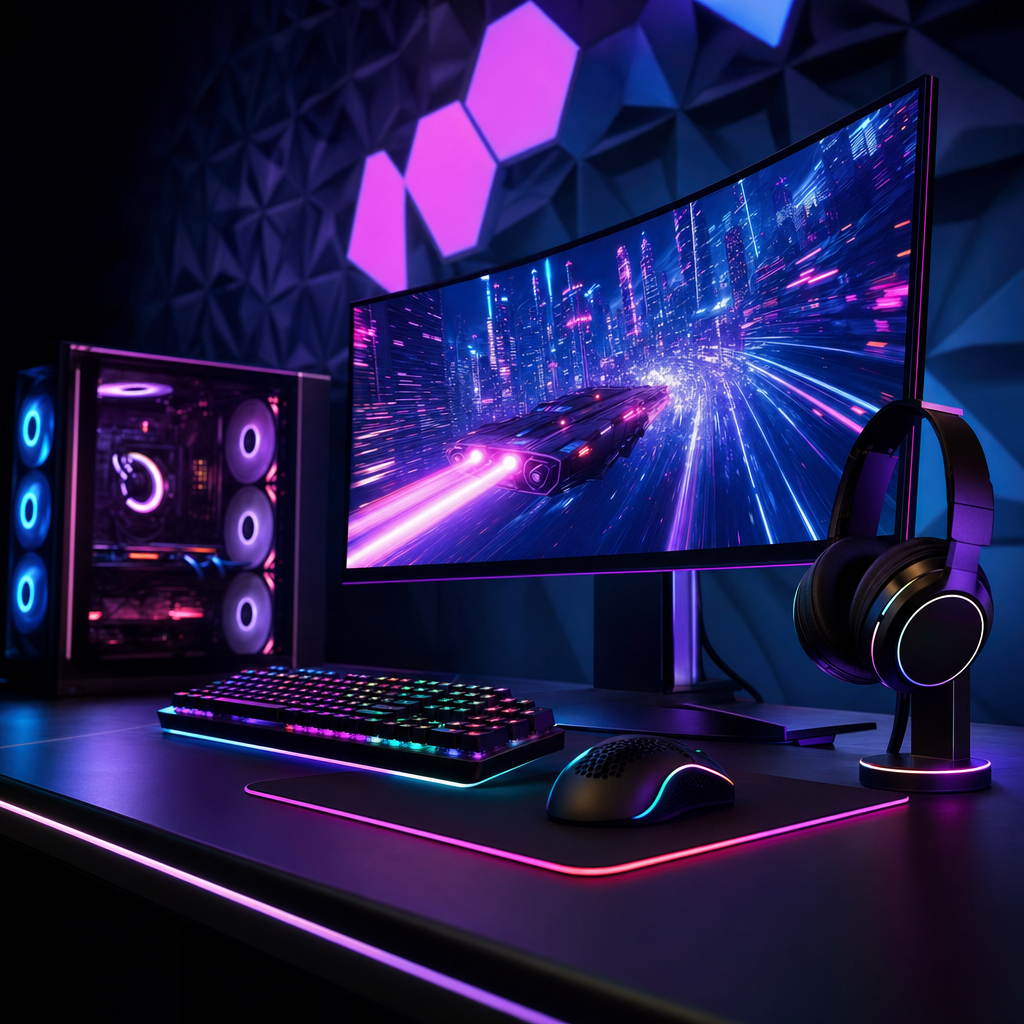
My youngest is 13 and my eldest boy is 17, and between them they have made it abundantly clear that a decent gaming setup is basically a human right. So when parents ask me what to actually buy in 2026, I feel this question deep in my wallet.
The problem is that the market has shifted in ways that catch most parents off guard. Consoles used to be the “simple, affordable” option. That is no longer reliably true. PC gaming used to mean a sprawling, expensive custom build. That is changing too. And there are now more peripheral choices, more monitor specs to decode, and more ways to accidentally waste a few hundred quid than ever before. So let me save you the headache and walk you through what actually matters.
PC or Console: The Decision That Shapes Everything
This is the fork in the road, and it is worth getting right rather than just defaulting to whatever you remember from when you were a kid.
Consoles are still the simpler option. One box, one price, instant couch multiplayer, no driver updates. But here is the bit that surprises most parents right now: console prices have actually gone up this generation, not down. As of early 2026, the PS5 in the UK sits around £429, and the Xbox Series X is £479. That is before you factor in the cost of online multiplayer, which on both PlayStation and Xbox requires a paid subscription. Online play on PC, through platforms like Steam, is free for the vast majority of games. That is a meaningful difference over a few years.
A prebuilt gaming PC in 2026 can genuinely compete on price, especially when you factor in that it doubles as a homework machine, does not need an annual subscription to play online, and can be upgraded incrementally rather than replaced wholesale. For a teenager who is going to game seriously, the long-term value of a PC is hard to argue against. That said, if all their mates are on PlayStation and you want zero faff, a console absolutely still makes sense. Just go in with eyes open on the running costs.
One middle ground worth a mention: the Steam Deck. It is a handheld gaming device that runs a full PC gaming library, connects to a TV or monitor, and offers a genuinely flexible setup for teens who do not want to be desk-bound. It is not a replacement for a full rig, but it is a legitimate option if you are unsure about committing to a desk setup.
Monitor Specs: What Actually Matters for a Teen’s Desk
Walk into any electronics retailer and you will be confronted with refresh rates, response times, and resolutions that sound like they were invented specifically to confuse parents. Here is the plain-English version.
Resolution: The sweet spot in 2026 is 1440p (2560x1440). The price gap between 1080p and 1440p monitors has narrowed enough that 1440p is now the sensible default for most setups. Stick with 1080p if the GPU is on the weaker side, but avoid pairing a 1080p panel with a large 32-inch screen because it will look noticeably soft. 4K on a 24-inch gaming monitor is genuinely overkill and will cost you more for no visible benefit at that size.
Refresh rate: For a casual teen gamer, 144Hz is the target. It is a noticeable step up from the 60Hz on most TVs, games feel smoother, and it will not break the bank. The 240Hz to 360Hz territory is for competitive esports players who need every millisecond. For someone playing Minecraft, FIFA, or Call of Duty with their mates, 144Hz is more than enough.
Panel type: Go IPS. TN panels are legacy technology at this point. IPS panels give you accurate colours, wide viewing angles, and fast enough response times for high-refresh-rate gaming. Modern Fast IPS and Nano IPS variants have largely closed the gap with older TN tech. Your teenager will also use this screen for YouTube, creative work, and staring at things that are not revision notes, so colour quality genuinely matters.
Chair and Peripherals: Where People Overspend (and Underspend)
The chair is genuinely important and genuinely overlooked. Teenagers slouch. A decent chair with lumbar support is worth spending properly on, not because it makes them game better, but because they will spend hours in it and their spine is still developing. You do not need a £400 racing chair with a logo on it. You need something adjustable, supportive, and built to last.
Headsets are the other area where parents get pulled toward spending too much. For most teens, a mid-range wired or wireless headset with a decent microphone is plenty. The microphone matters more than the audio quality for multiplayer gaming, where the kids are going to be shouting at each other regardless.
The Picks
Best Budget Console Option: Xbox Series S
At around £299 in the UK, the Series S remains the most affordable way into current-gen console gaming. It is digital-only and runs at 1440p rather than 4K, but for a teenager’s first setup it is genuinely solid. Pair it with Game Pass and you have access to a huge library from day one. Bear in mind you will need an Xbox Game Pass subscription for online play.
Pro: Lowest entry cost to current-gen gaming. Con: No disc drive, and Game Pass subscription adds to the ongoing cost.
Best Mid-Range Prebuilt PC: Lenovo IdeaCentre Gaming 5
A prebuilt gaming desktop in the £700 to £900 range with at least 16GB RAM and a current-gen GPU hits the sweet spot for 2026. The Lenovo IdeaCentre Gaming range has been consistently reliable, competitively specced, and available through mainstream UK retailers. At this price point you are getting a machine that handles 1440p gaming, doubles as a school PC, and will not need replacing for several years.
Pro: No assembly needed, solid warranty, built for 1440p gaming out of the box. Con: Less upgrade flexibility than a custom build.
Best 1440p Monitor: LG 27GP850-B 27-inch 165Hz IPS
A 27-inch IPS panel at 1440p and 165Hz is the monitor I would recommend without hesitation for most teen setups. The LG 27GP850-B has been a benchmark in this category for good reason. It is fast, accurate, and sits at a price that does not require a second mortgage. If they are gaming on a mid-range PC or a current-gen console, this is the display that will do justice to it.
Pro: Excellent colour accuracy, 165Hz feels genuinely smooth, great value for 1440p IPS. Con: No built-in speakers, but that is fine because you will be buying a headset anyway.
Best Mid-Range Gaming Chair: Secretlab Titan Evo (Compact)
I know, I know. It sounds like another overpriced gaming chair with a logo on it. But the Secretlab Titan Evo genuinely earns its price with proper lumbar adjustment, cold-foam cushioning, and build quality that outlasts the cheaper alternatives by a wide margin. The Compact size suits teens who have not finished growing yet. Worth saving up for rather than buying a cheap alternative that falls apart in 18 months.
Pro: Exceptional build quality and adjustability, lasts years. Con: Premium price. Not the one to buy if budget is tight.
Best Budget Gaming Headset: SteelSeries Arctis Nova 1
Clean design, lightweight, good mic clarity, and a price that does not sting. The SteelSeries Arctis Nova 1 is wired but sounds better than several wireless headsets at twice the cost. If they want to go wireless, step up to the Nova 3 Wireless, but honestly for a first headset the wired version is the smart buy.
Pro: Excellent microphone, comfortable for long sessions, works on PC and console. Con: Wired only at this price point.
Quick Comparison
| Item | Price (GBP approx.) | Best For | Verdict |
|---|---|---|---|
| Xbox Series S | ~£299 | Budget console entry | Best value console in 2026 |
| Lenovo IdeaCentre Gaming Desktop | ~£700–900 | Mid-range PC first build | Solid, no-faff prebuilt |
| LG 27GP850-B Monitor | ~£250–300 | 1440p gaming display | The default recommendation |
| Secretlab Titan Evo Compact | ~£320 | Serious long-term chair | Worth every penny if budget allows |
| SteelSeries Arctis Nova 1 | ~£50–60 | First gaming headset | Best value headset going |
Bottom Line
If your teenager’s mates are all on PlayStation and simplicity matters, the PS5 is still a valid choice. Just go in knowing the upfront and ongoing costs are higher than they used to be. If you want the best long-term value and the setup doubles as a school computer, a prebuilt gaming PC in the £700 to £900 range paired with a 1440p IPS monitor is the smarter play. For genuinely tight budgets, the Xbox Series S is the honest recommendation. Whatever platform you land on, do not scrimp on the chair. Your teenager’s back will thank you, and so will your sofa.
Want more honest, no-nonsense tech picks for family life? I write regularly about the kit I actually own, use, and sometimes end up debating with a 13 and 17-year-old over. Sign up to the Tech Dads Life newsletter at techdadslife.beehiiv.com and I will land it in your inbox every time something is worth reading about.
