
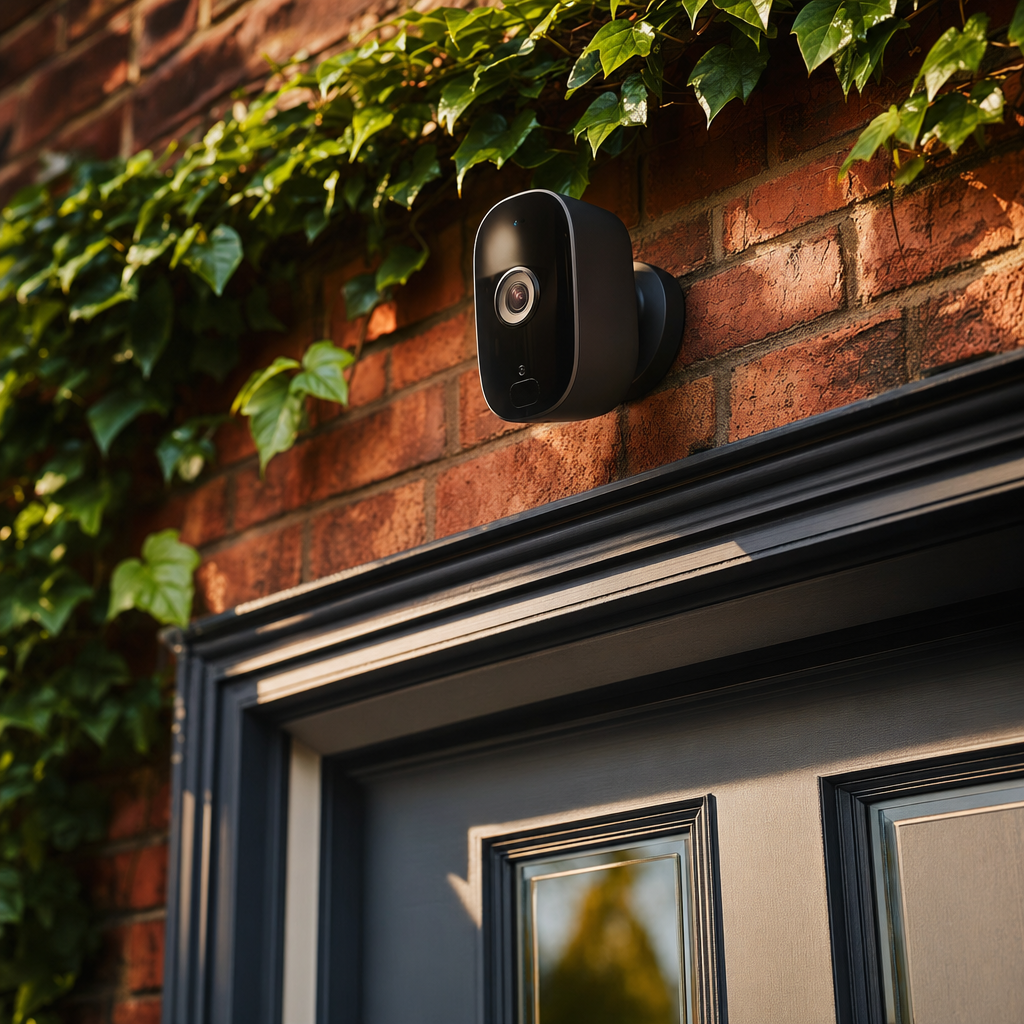
A friend of mine had a parcel stolen from his doorstep last year. Not the end of the world, but annoying. He had been meaning to get a doorbell camera for about two years and this was the nudge that finally got him to do it. He spent more time researching it than I would have liked to admit, and in the end spent about £120 on a setup that now covers his front door, back garden, and sends him motion alerts when anyone approaches.
We have a similar setup at home and it has been useful more often than I expected - not for crime, but for the mundane stuff. Knowing when the kids got home from school without needing to message them. Checking whether a parcel was delivered when I was at work. Seeing who was at the door before answering.
This guide covers the budget home security camera market in 2026 - what is actually worth buying, the things to watch out for, and how to think about setting it up.
What Budget Gets You in 2026
Under £50 to £150 per camera ($60 to $190) covers the majority of the market this guide addresses. At this price in 2026, you can expect 1080p or 2K resolution, two-way audio, motion detection with alerts to your phone, night vision, and either cloud storage (often with a subscription) or local storage via a micro SD card.
The tradeoffs at budget prices are: shorter warranty periods, less sophisticated AI-powered detection (which separates humans from cars from animals), more limited cloud storage without a subscription, and occasionally less polished apps.
What you do not sacrifice at budget prices: the basic utility. A £60 Eufy camera will alert you when someone is at your front door, let you watch the footage back, and give you meaningful peace of mind. The experience of a £200 Ring camera is smoother, but the core function is the same.
Eufy Security
Eufy (owned by Anker) is the brand I recommend most consistently to families on a budget. The key differentiator is local storage - Eufy cameras store footage on a home base station or SD card rather than requiring a cloud subscription. Most competitors charge £3 to £10 a month for cloud storage. With Eufy, that is optional rather than required.
The Eufy Indoor Cam 2K costs around £40 ($50) and is ideal for an internal camera - monitoring a front door from inside, a living room, or a nursery. The Eufy SoloCam range (around £60 to £80/$75 to $100) is battery-powered and suitable for outdoor positions without needing a power cable.
The app is reliable, alerts are fast, and the image quality at this price is genuinely good. The AI detection that distinguishes humans from other motion is included without a subscription, which is a meaningful feature at the price.
The main limitation is that Eufy’s ecosystem works best if you buy a base station, which adds to the initial cost but removes ongoing subscription fees. For a family putting three or four cameras in, the economics make sense quickly.
Ring
Ring (owned by Amazon) is the most widely recognised home security camera brand in the UK and integrates seamlessly with Amazon Alexa. Doorbell cameras start at around £60 ($75) for the Ring Video Doorbell Wired, with battery models around £80 ($100).
The app and notification experience is polished. The integration with Alexa means you can see who is at the door on an Echo Show device, which is useful if you have one. Ring’s Neighbours feature lets people in your area share crime alerts and footage - some find this useful, others find it anxiety-inducing.
The catch with Ring is the subscription. Without Ring Protect (from £3.49 a month), you get real-time viewing and alerts but cannot access recorded footage. For the cameras to deliver their full value you need the plan, which adds up over time.
For a household already deep in Amazon’s ecosystem, Ring makes sense. For everyone else, Eufy’s subscription-free model is likely the better value.
TP-Link Tapo
TP-Link’s Tapo range offers some of the most affordable entry points in the market - indoor cameras from around £25 ($30) and outdoor cameras from £40 ($50). The image quality is good for the price and the app is straightforward.
Tapo cameras offer both local storage (SD card) and optional cloud storage subscription. Performance and build quality are solid. The main consideration is that TP-Link is a large Chinese technology company, which for some families is a factor in a home security decision. The cameras have passed CE/FCC certification and are widely used, but it is worth knowing.
For families who want to cover multiple rooms or entry points at the lowest possible cost, Tapo delivers the most cameras per pound of any major brand.
What to Actually Buy for a First Setup
For most families starting from scratch, I would suggest:
A doorbell camera at the front door - Ring Video Doorbell Wired if you have existing doorbell wiring, or a Ring or Eufy battery doorbell if not.
One outdoor camera covering the back garden or a side entrance.
This costs around £120 to £180 ($150 to $225) depending on brand choices and covers the most important positions without requiring a full system.
If internal cameras are useful to you - monitoring when kids arrive home, checking in on a baby or elderly relative - one Eufy or Tapo indoor camera adds £25 to £45 to the total.
Important: Wi-Fi and Privacy Considerations
Security cameras are only as reliable as your home Wi-Fi in the areas they are placed. Before buying, check you have a reasonable Wi-Fi signal at the positions you want to mount cameras. If not, a Wi-Fi extender or mesh network node may be needed.
On privacy: position cameras to capture your own property rather than public spaces or neighbours’ gardens. In the UK, the Information Commissioner’s Office (ICO) guidance says that if a domestic security camera captures images beyond the boundary of your property, data protection rules apply. Pointing a camera at your own driveway is fine. Capturing your neighbour’s garden is more complicated.
Be transparent with family members who do not know about cameras, particularly internal ones.
The Family Angle
For families, the most useful camera is almost always the front doorbell. It covers parcel deliveries, tells you when the kids have got home, and handles the unexpected knock at the door. If I could only have one camera, this would be it.
The back garden camera becomes more useful when you have teenagers who come and go at odd hours and you want a passive record rather than needing to ask where they are. Whether that sits comfortably in your household is a conversation to have rather than something to set up silently.
For families with elderly relatives living alone, an indoor camera in a common area can offer meaningful reassurance - though, again, have the conversation and get their agreement before setting anything up.
For more smart home and tech buying guides for families, join the Tech Dads Life newsletter at Tech Dads Life on Beehiiv .
My Own Setup and What I Would Do Differently
We have a Ring doorbell at the front and a Eufy outdoor camera covering the side gate - both positions I care about because they cover the two ways into our property. The Ring doorbell was there before I started paying closer attention to this space, and I would probably choose a Eufy now for the subscription-free model, but it still does the job and I have not felt the £3.49 monthly subscription enough to switch.
The Eufy outdoor camera I added later is the one I feel better about in hindsight. Local storage, solid app, fast alerts, and no ongoing cost. In eighteen months of use it has flagged a fox getting into the bins, a delivery driver leaving a parcel in completely the wrong place, and one evening where a car was parked in our drive for forty minutes before moving on - none of which warranted police involvement, but all of which were useful to know about in the moment.
What I would do differently: I would wire the outdoor camera to mains power from the start rather than relying on the battery version. The battery life is genuinely good - several months between charges depending on how much motion your camera detects - but a wired outdoor camera removes the mental overhead of checking whether it is charged before you go away. If there is a power socket nearby or you are comfortable running a cable, it is worth doing properly.
The one question most families skip: Before buying any camera system, decide what you actually want to do with the footage. If something happened tonight, would you check the camera, and then what? If the answer is “call the police and show them the footage,” local storage is fine. If the answer involves sharing clips online or across devices, cloud storage and app quality become more important. Knowing your actual use case prevents buying the wrong system.
Budget for installation too. A doorbell camera is simple enough for most people to fit themselves. A mains-wired outdoor camera might need an electrician, which in the UK runs to £80 to £150 for a straightforward job. Factor it into the total cost before you decide which model to buy.
