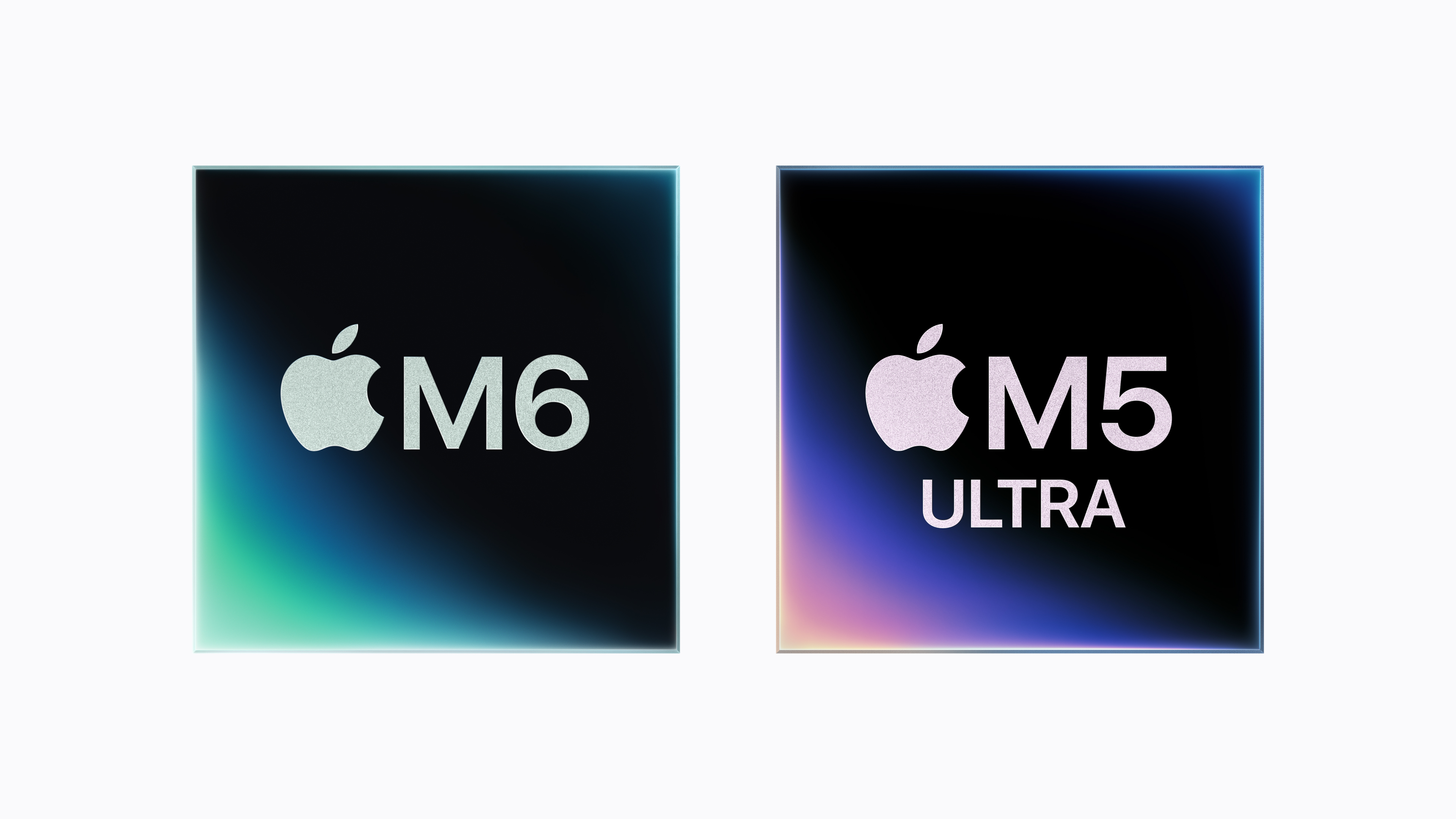
Apple has officially launched a new Mac mini, and it has made an unusual choice. The everyday model jumps straight from M4 to the brand-new M6 chip, while the more powerful version uses M5 Pro.
That naming is going to cause some confusion, so let us clear it up immediately. There is no standard M5 Mac mini in this launch. Your two new choices are the Mac mini with M6 and the Mac mini with M5 Pro.
The M6 version starts at £899 in the UK, while the M5 Pro model starts at £1,699. Both are available to pre-order now and will arrive in shops and with customers from 22 September 2026.
I already use an M4 Mac mini, so my first question was not simply how much faster the new one is. It was whether any of these changes are meaningful enough to replace a machine that still feels extremely quick. Here is everything you need to know.
Mac mini M6 and M5 Pro at a Glance
- Pre-orders opened: 25 August 2026
- Release date: 22 September 2026
- Mac mini M6 price: From £899
- Mac mini M5 Pro price: From £1,699
- M6 memory: 16GB as standard, configurable up to 32GB
- M5 Pro memory: 24GB as standard, configurable up to 64GB
- New connectivity: Wi-Fi 7, Bluetooth 6, Thread and 2.5Gb Ethernet as standard
- Operating system: macOS 27 Golden Gate
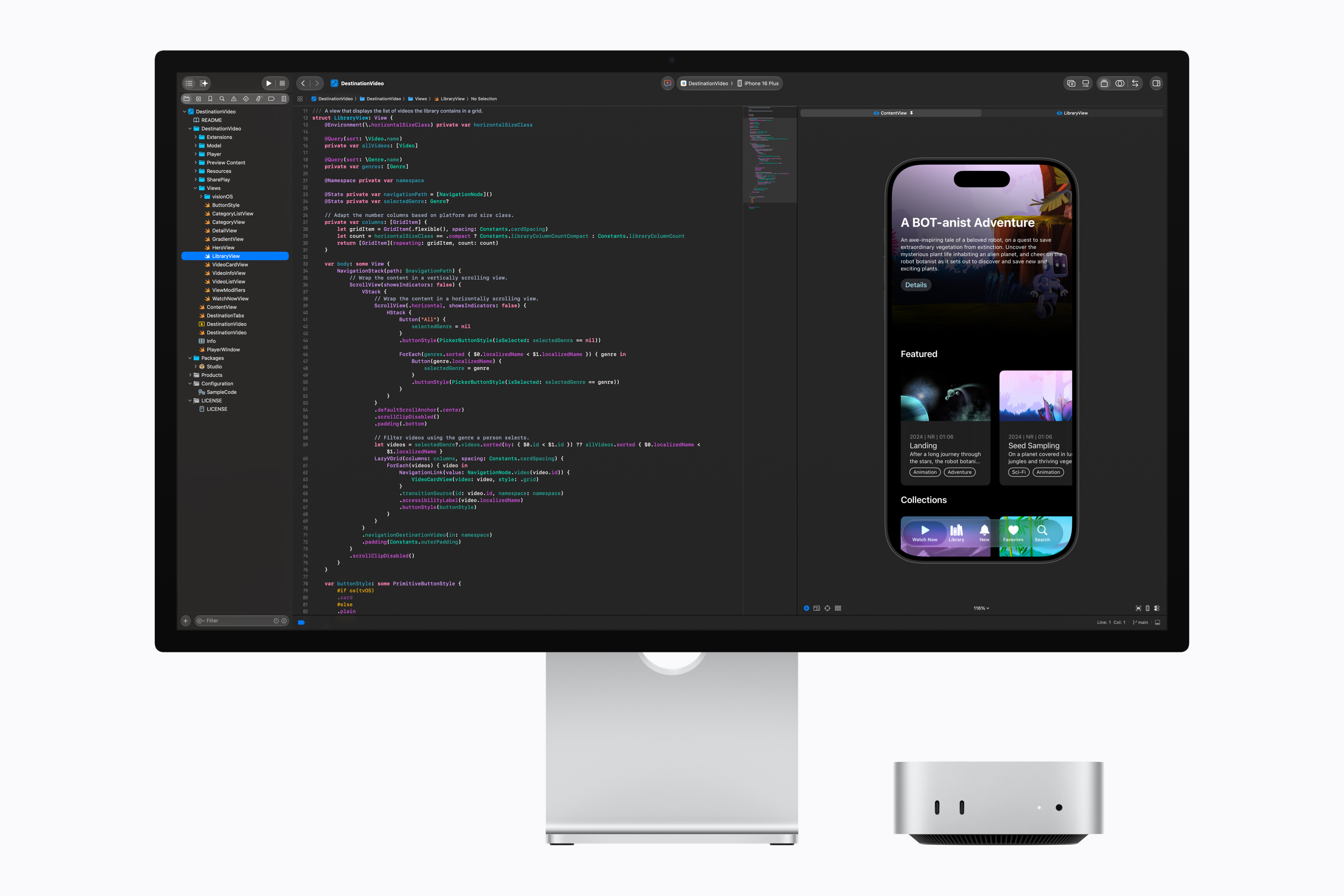
- Design: The same compact 12.7cm square enclosure introduced with the M4 generation
Mac mini M6 vs M5 Pro vs M4
The most useful comparison is between the new standard M6, the new M5 Pro and the standard M4 it replaces. M5 Pro belongs to a higher performance and price tier, so a bigger number in one row does not automatically make it the right choice for everyone.
| Specification | Mac mini M6 | Mac mini M5 Pro | Mac mini M4 |
|---|---|---|---|
| Launch year | 2026 | 2026 | 2024 |
| UK launch price | From £899 | From £1,699 | From £599 |
| CPU | 12-core: 2 super, 4 performance, 6 efficiency | 15-core: 5 super, 10 performance; configurable to 18-core | 10-core: 4 performance, 6 efficiency |
| GPU | 12-core with Neural Accelerators | 16-core with Neural Accelerators; configurable to 20-core | 10-core |
| Neural Engine | Dual 16-core | 16-core | 16-core |
| Unified memory | 16GB, configurable to 24GB or 32GB | 24GB, configurable to 48GB or 64GB | 16GB, configurable to 24GB or 32GB |
| Memory bandwidth | 153GB/s, or 170GB/s with 24GB or 32GB memory | 307GB/s | 120GB/s |
| Starting storage | 256GB SSD | 512GB SSD | 256GB SSD |
| Maximum storage | 2TB | 8TB | 2TB |
| Rear ports | 3x Thunderbolt 4, HDMI, Ethernet | 3x Thunderbolt 5, HDMI, Ethernet | 3x Thunderbolt 4, HDMI, Ethernet |
| Front ports | 2x USB-C, 3.5mm headphone jack | 2x USB-C, 3.5mm headphone jack | 2x USB-C, 3.5mm headphone jack |
| Ethernet | 2.5Gb, configurable to 10Gb | 2.5Gb, configurable to 10Gb | 1Gb, configurable to 10Gb |
| Wireless | Wi-Fi 7, Bluetooth 6, Thread | Wi-Fi 7, Bluetooth 6, Thread | Wi-Fi 6E, Bluetooth 5.3 |
| External displays | Up to three | Up to three | Up to three |
| Size | 12.7 x 12.7 x 5cm | 12.7 x 12.7 x 5cm | 12.7 x 12.7 x 5cm |
What Is New in the M6 Mac mini?
The M6 is the direct replacement for the standard M4 model. It moves from a 10-core CPU and 10-core GPU to a 12-core CPU and 12-core GPU. Apple says CPU performance is up to 40 per cent faster than M4, with graphics performance up to twice as fast.
The biggest change is focused on AI. Each M6 GPU core now has a Neural Accelerator, while the chip also introduces what Apple calls a Dual 16-core Neural Engine. Apple claims up to four times faster AI performance than the M4 Mac mini.
Those headline figures are based on Apple’s own testing, so they should not be treated as a promise that every app will run four times faster. The examples are still impressive. Apple says the M6 processes large language model prompts in LM Studio up to 4.8 times faster than M4, completes Microsoft Excel calculations up to 1.5 times faster and delivers up to twice the gaming performance with ray tracing in Cyberpunk 2077.
Memory bandwidth rises from 120GB/s on M4 to 153GB/s on the 16GB M6 configuration. Choosing 24GB or 32GB of unified memory increases that to 170GB/s. The maximum memory remains 32GB, so anyone who needs more will still have to move up to the Pro model.
Apple also says the new SSD is up to twice as fast as the previous generation. The disappointing bit is that the entry configuration still starts with a 256GB SSD, despite the much higher price.
What Does M5 Pro Add?
The M5 Pro model is not simply an older chip in a more expensive Mac mini. It is built for workloads that can use far more CPU cores, GPU power, memory capacity and memory bandwidth.
The standard configuration has a 15-core CPU and 16-core GPU, with an upgrade option taking that to an 18-core CPU and 20-core GPU. It starts with 24GB of unified memory and supports up to 64GB, backed by 307GB/s of memory bandwidth. Storage starts at 512GB and can be configured all the way to 8TB.
This is the model aimed at developers, video editors, 3D artists, researchers and people running larger AI models locally. It also gets three Thunderbolt 5 ports instead of Thunderbolt 4. Apple specifically highlights the ability to cluster multiple M5 Pro Mac minis over Thunderbolt 5 to work with very large local AI models.
Apple’s own tests put M5 Pro at up to four times the LLM prompt-processing performance of M4 Pro, up to 1.4 times faster ray-traced Blender rendering and up to 1.5 times faster image processing in Affinity.
For everyday browsing, office work, family photos and normal home use, M5 Pro is difficult to justify. For sustained professional work, 64GB memory support and Thunderbolt 5 could matter far more than the newer generation number on the M6.
The Design Has Not Changed
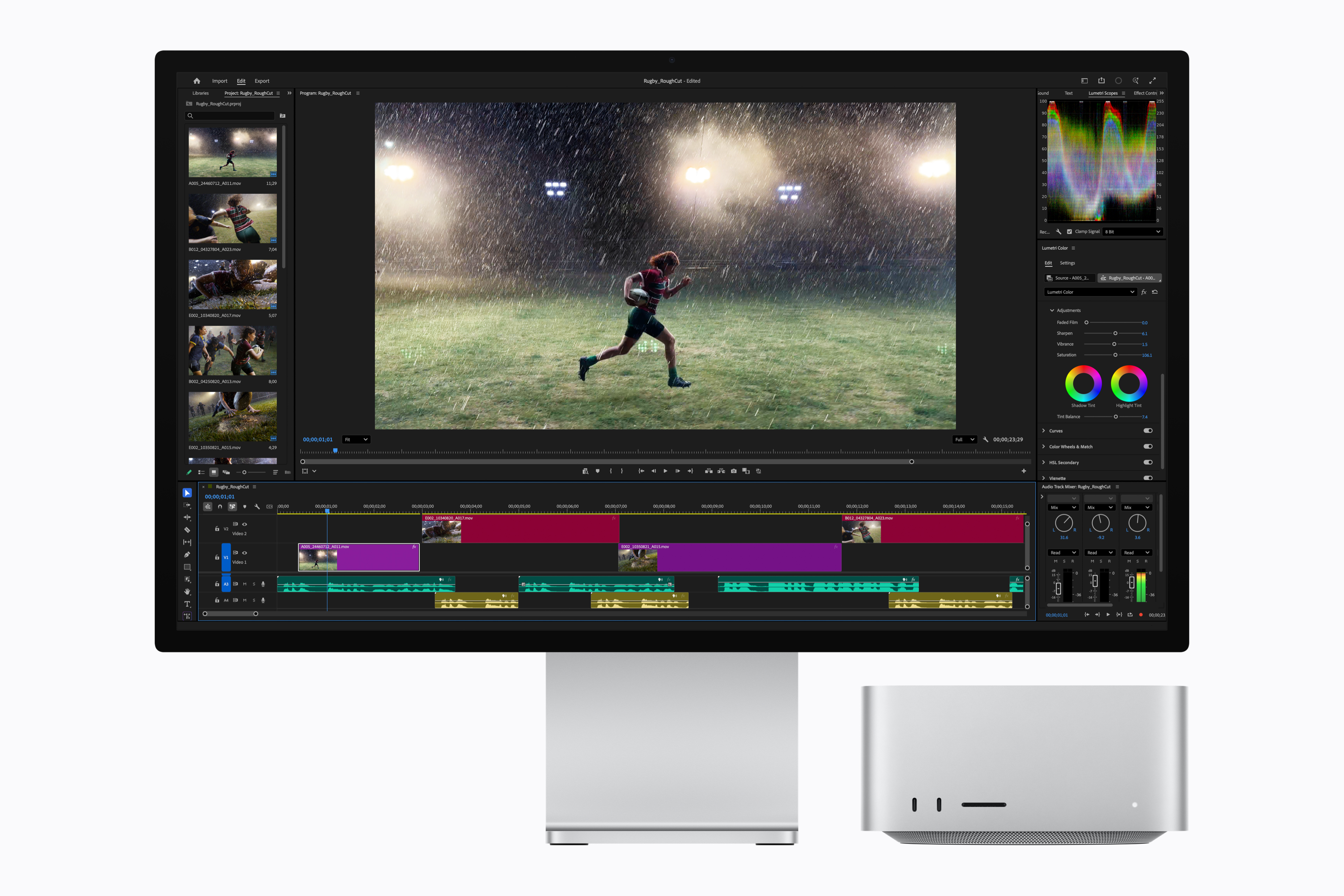
The M4 generation gave the Mac mini its major redesign, shrinking it to a 12.7cm square. Apple has kept that enclosure for the new models.
You still get two USB-C ports and a headphone socket on the front. Around the back are HDMI, Ethernet and three Thunderbolt ports. M6 uses Thunderbolt 4, while M5 Pro uses Thunderbolt 5.
The power button is still on the underside. I have already written about the software workaround I use with my under-desk M4 Mac mini , and nothing in this launch suggests Apple has changed that awkward physical placement.
Connectivity Is Better Across Both Models
Both new versions gain Apple’s N1 wireless networking chip, with Wi-Fi 7, Bluetooth 6 and Thread support. Wired Ethernet also moves from 1Gb to 2.5Gb as standard, with 10Gb Ethernet remaining an optional upgrade.
That is a genuinely useful improvement for a small desktop that is often used as a home server, media machine or always-on computer. You will need compatible networking equipment to see the full speed benefit, but 2.5Gb Ethernet as standard is much more sensible in 2026 than another generation of basic Gigabit Ethernet.
Both models support up to three external displays. M6 can drive an 8K display at 60Hz, a 5K display at 120Hz or a 4K display at 240Hz in a two-display setup. M5 Pro offers more flexibility at high resolutions and can run up to three displays over a single Thunderbolt port.
macOS 27 and Siri AI
The new Mac mini ships with macOS 27 Golden Gate and the next generation of Apple Intelligence. Apple says Siri AI will understand personal context across messages, email and photos, work with what is on your screen and complete actions across apps.
Siri AI is also integrated into Spotlight and system-wide context menus. Other additions include natural-language Shortcuts creation, smarter Safari organisation and new editing options in Photos.
Some of these features are still in testing and availability will vary by language and region. Hardware performance is only one part of the story. Apple still needs to prove that its upgraded assistant is consistently useful in the real world. I covered that wider gap in what Apple Intelligence actually does in 2026 .
The Price Increase Is Hard to Ignore
The M4 Mac mini launched in the UK at £599. The M6 starts at £899, which is a £300 increase before you add more memory or storage.
It is a substantially faster machine, with a newer wireless chip, 2.5Gb Ethernet and much stronger local AI performance. Even so, the M4’s aggressive price was one of the main reasons it was so easy to recommend. At £899 with only 256GB of storage, the M6 has lost some of that straightforward value.
The M5 Pro starts at £1,699, up from the £1,399 launch price of the M4 Pro model. Again, Apple is charging £300 more at the entry point.
Existing M4 stock and refurbished units may now become the more interesting option for families and home users who do not need the new AI performance. A discounted M4 with 16GB of memory remains a very capable little computer.
Should You Upgrade From an M4 Mac mini?
For most M4 owners, no.
The M6 is clearly faster, particularly for local AI, graphics and workloads that benefit from the extra CPU cores. But the physical design, basic port layout, maximum memory and everyday experience remain familiar. If your M4 already handles what you ask of it, the M6 is unlikely to transform normal browsing, email, office work or light photo editing enough to justify replacing a two-year-old computer.
An upgrade makes more sense if you regularly run local language models, play demanding games, work with graphics-heavy creative apps or need faster networking. Moving from M4 to M5 Pro could also be worthwhile if 32GB of memory is your real limitation and you need 48GB or 64GB.
If you are coming from an M1 Mac mini, an Intel Mac or an older PC, the decision is much easier. The M6 gives you a tiny, quiet desktop with a huge performance jump, modern connectivity and years of software support ahead of it.
Which New Mac mini Should You Buy?
Buy the M6 Mac mini if you want a compact everyday desktop, work-from-home machine, family computer or capable creative system. For most buyers, this is the right model. I would seriously consider increasing the storage to 512GB, because 256GB will feel tight quickly.
Buy the M5 Pro Mac mini if your work can genuinely use more than 32GB of memory, Thunderbolt 5, a much larger SSD or sustained multi-core and GPU performance. Video production, software development, 3D rendering, scientific work and larger local AI models are the clearest reasons to spend the extra money.
Look for an M4 Mac mini if value matters more than having the latest chip. It lacks the new wireless and AI hardware, but it remains fast, compact and capable. At the right clearance or refurbished price, it could be the best buy of the three for ordinary home use.
My Early Verdict
The M6 Mac mini looks like an excellent computer, but it is no longer the obvious bargain the M4 was. Apple has made meaningful improvements to CPU, graphics, AI performance and networking, then attached a meaningful price increase to them.
M5 Pro is easier to understand. It is expensive because it is a small professional workstation, with far more memory bandwidth, higher memory and storage limits, and Thunderbolt 5. If you know you need those things, the standard M6 was never really your alternative.
As an M4 owner, I will be keeping mine. The new performance figures are impressive, but they solve problems I do not currently have. For someone buying their first Mac mini, replacing an Intel model or building a compact local AI workstation, this is a much more interesting launch.
Sources: Apple Mac mini M6 and M5 Pro announcement | Apple UK Mac mini technical specifications | Apple Mac mini M4 technical specifications | Apple’s 2024 M4 Mac mini announcement