Answer-First Summary
For most families sharing a desk, the Mac mini M6 (from £899) is the one to buy. It handles homework, photo sorting, light video editing and everyday creative work without complaint, and it costs nearly half the price of the M5 Pro. The M5 Pro (from £1,699) earns its keep only when you need more than 32 GB of unified memory, sustained multi-core throughput for long professional sessions, or Thunderbolt 5 bandwidth for fast external storage. For a shared family machine, that threshold is higher than most households will ever reach.
I covered the announcement in detail in my earlier piece , so this article focuses on the practical split between the two models rather than repeating the launch news.
First-Hand Testing Context
I have not handled either machine. I do not have a unit on loan and I have not run benchmarks myself. Everything that follows is drawn from Apple’s published specifications and from third-party reviewers including adamtalks.tech, AppleInsider, TechRepublic, Macworld, Expert Reviews UK, and Mark Ellis Reviews. Where I quote benchmark numbers, I name the source. I keep spec-sheet facts visibly separate from reviewer findings throughout.
What Is Genuinely Good
The M6 is fast in ways that matter day to day
Apple built the M6 on a 2 nm process, the first Mac chip to use it, and gave it a 12-core CPU, up from 10 cores on the M5. In Geekbench 7 single-core testing, adamtalks.tech recorded a score of 4,098 for the M6, ahead of the M5 Pro’s 3,691. That means the M6 should feel snappier on the tasks families actually do: opening apps, running browser tabs, switching between Lightroom and a homework document.
For photo work specifically, the M6 leads on AI-assisted tasks. The same reviewer found that AI Denoise on a single RAW photo took 5.5 seconds on the M6 versus 6.7 seconds on the M5 Pro, and across 50 RAW photos the gap stretched to 4 minutes 7 seconds versus 5 minutes 10 seconds. If your family photo editing involves using Lightroom’s AI tools, the cheaper machine is the faster one according to that testing. That is not what you would expect, and it is worth sitting with for a moment.
Video export threw up a similar surprise. adamtalks.tech found the M6 exported a 3-minute 4K sequence in 1 minute 8 seconds in Final Cut Pro, against 1 minute 19 seconds on the M5 Pro. For holiday video edits and school project clips, the base model appears quicker.
TechRepublic notes that the M6 is described as running quietly even under heavy workloads, which matters on a shared desk where someone is trying to concentrate nearby.
Both models gain meaningful connectivity upgrades
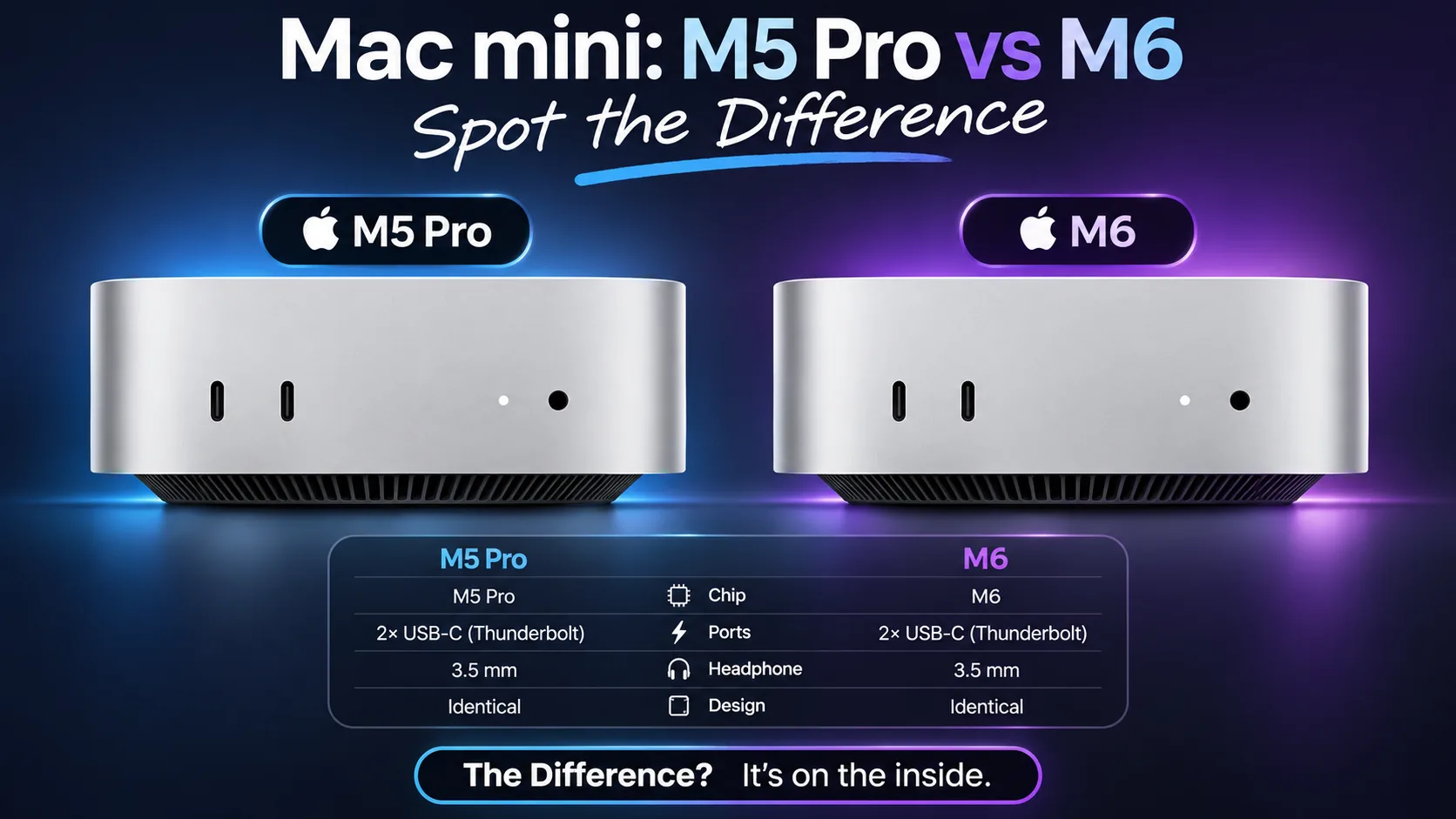
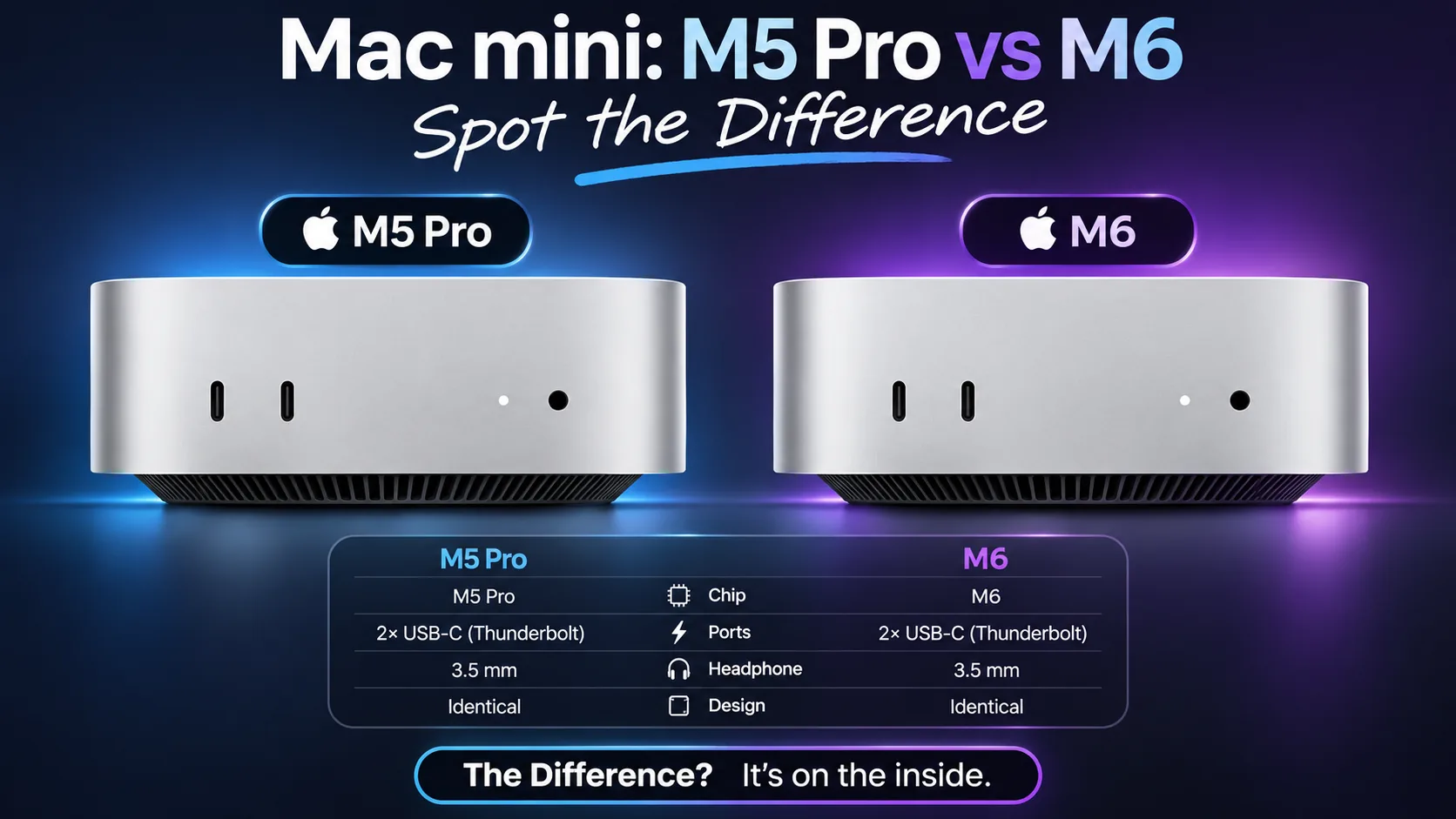
From the Apple spec sheet, both the M6 and M5 Pro include Wi-Fi 7, Bluetooth 6, and 2.5 Gb Ethernet as standard, up from the previous generation. Both support up to three external displays, and both carry two front USB-C ports for easy peripheral access. A family desk that needs a decent monitor, perhaps a second screen for homework, and a fast home network connection is well served by either model.
The M5 Pro pulls ahead on sustained workloads
When tasks scale up, the M5 Pro’s 15-core CPU and 307 GB/s memory bandwidth start to matter. adamtalks.tech found that exporting 500 photos from Lightroom took 1 minute 50 seconds on the M6 and 1 minute 31 seconds on the M5 Pro, with the gap widening as batch size grows. For someone who regularly exports large RAW batches, perhaps a parent who shoots events or does semi-professional photography, the M5 Pro earns back time across a working week.
TechRepublic cites a Premiere Pro 4K export test where the M5 Pro completed the export in 1 minute 51 seconds against 2 minutes 34 seconds on the M6. And Logic Pro track counts illustrate the gap for audio work: the M6 maxed out at 196 tracks before dropping audio, while the M5 Pro handled 328. For day-to-day music projects that figure is irrelevant; for a home studio with complex sessions it is not.
The M5 Pro also has three Thunderbolt 5 ports capable of 120 Gbps, compared to the M6’s three Thunderbolt 4 ports. If you are connecting fast external SSDs or high-bandwidth peripherals, Thunderbolt 5 is a meaningful step up.
What Is Not
The M6 memory ceiling is real
The M6 tops out at 32 GB of unified memory. Mark Ellis Reviews flags that the base 16 GB model will struggle with larger local language models, and that the 32 GB configuration is the minimum for serious local AI work. For families curious about running AI tools locally, as I touched on in an earlier article , the 32 GB M6 is a reasonable starting point, but heavier LLM use points toward the M5 Pro or Mac Studio.
There is also a bandwidth nuance buried in the spec sheet. The base 16 GB M6 runs at 153 GB/s memory bandwidth; upgrading to 24 GB or 32 GB raises that to 170 GB/s. That is still well short of the M5 Pro’s 307 GB/s, which explains why local LLM token throughput on the M5 Pro was 93 tokens per second against 53 on the M6, roughly 70 per cent faster.
App optimisation is not consistent
One caution from the research: TechRepublic notes that heavier AI-assisted batch editing in Lightroom pushed the M6 into swap memory, while the higher-memory M5 Pro remained faster. There is also an unresolved note in third-party testing that the M6 took about 71 per cent longer than the M5 Pro on one AI filter test in Photoshop, with the suggestion that Adobe may not have fully optimised that filter for M6 yet. That explanation has not been confirmed, so treat Photoshop-heavy workflows with some caution until more data emerges.
The M5 Pro price puts it in uncomfortable territory
Expert Reviews UK describes the M5 Pro as powerful but notes the price hike means the mini is no longer the people’s Mac it could once claim to be, and AppleInsider observes that at this price it edges toward Mac Studio territory. Those are fair points. At £1,699 you are spending serious money on a headless desktop, and you need to be clear-eyed about whether your workload justifies it.
The speccing-up trap
Here is the price convergence problem worth spelling out. The base M6 at £899 is excellent value. But if you add memory, the gap narrows fast. Upgrading the M6 from 16 GB to 32 GB adds £400, taking the total to £1,299 for 32 GB and 256 GB of storage. Push storage to 512 GB and you are spending significantly more, and the M5 Pro’s entry price of £1,699 starts to look less extreme given it includes 24 GB, 512 GB storage, Thunderbolt 5, and substantially more memory bandwidth. If you know you need 32 GB and 512 GB of storage, price both configurations before committing.
Compared to Alternatives
The obvious comparison within Apple’s own range is the Mac Studio. AppleInsider notes that the M5 Pro Mac mini’s price edges toward Mac Studio territory, so if you are already stretching to £1,699, it is worth checking whether the Studio’s additional I/O and higher memory ceiling suit your needs better.
For families who do not need macOS specifically, a comparable Windows mini PC can be had for less, though you lose the Apple ecosystem integration that makes features like AirDrop, iCloud photo sharing, and Screen Time controls straightforward. If parental controls matter to your household, How to Set Up Google Family Link and Actually Make It Work covers the Android and Chromebook side.
Against the previous-generation M4 Mac mini, both new models add Wi-Fi 7, Bluetooth 6, and 2.5 Gb Ethernet as standard. If you spot a discounted M4 model and your workload is purely everyday browsing, documents and light photo editing, the savings may be worth considering, but the M6’s 2 nm chip and improved Neural Engine represent a genuine generational step forward for anyone interested in on-device AI features.
Who Should Buy It
The M6 suits most families
The M6 is the right call for most households. It suits:
- A shared homework and productivity desk where the main users are doing web research, document writing, spreadsheets, and video calls.
- Parents who edit family photos in Lightroom, particularly using AI tools like Denoise, where third-party testing shows the M6 is faster than the M5 Pro at those specific tasks.
- Light video editing: holiday clips, school projects, short social content in Final Cut Pro.
- Families getting started with AI tools, provided you choose 24 GB or 32 GB rather than the base 16 GB. For context on using AI sensibly with children, see How to Use AI to Help Your Kids with Homework.
- Anyone upgrading from an Intel Mac or an older M1 or M2 machine who wants a meaningful jump without spending MacBook Pro money.
Macworld recommends the M6 for most buyers, describing it as best for everyday work, coding, and mainstream creative work. That assessment lines up with how most families actually use a shared desktop.
The M5 Pro suits a narrower group
The M5 Pro makes sense if:
- You do sustained professional video or audio work from home: long exports, complex multi-track sessions, or large RAW batch processing where the extra CPU cores and memory bandwidth compound over time.
- You want to run larger local AI models, where the 307 GB/s bandwidth and 48 GB or 64 GB memory options are the relevant specs, not raw clock speed.
- You regularly use fast external NVMe drives, where Thunderbolt 5 bandwidth is genuinely useful.
- One parent has a professional creative workflow and the machine needs to double as both a shared family computer and a capable workstation.
If none of those descriptions fit your household, the M5 Pro’s extra cost is hard to justify.
Verdict
Spend £899 on the M6 and put the remaining £800 toward a good monitor, a decent keyboard and mouse setup, and perhaps some extra cloud storage for your photo library. If you want guidance on protecting those photos regardless of which machine you buy, my photo backup guide is worth reading alongside this.
The M6 is quick where families need speed, quiet enough to sit on a shared desk without irritating anyone, and genuinely good value at the base price. The M5 Pro is a capable machine for sustained professional use, but at £1,699 it asks you to be honest about whether your workload is truly professional or just occasionally demanding. For most households, it is not.
Buy the M6 with at least 24 GB of memory, check the storage you actually need before upgrading, and do not let the spec sheet tempt you into a configuration where the M5 Pro suddenly looks like the sensible option, unless you genuinely need what it offers.
UK prices quoted are from Apple UK as of October 2026 and may change. This article contains affiliate links. If you buy through them, Tech Dads Life may earn a small commission at no extra cost to you.
Sources
- Apple UK - Manufacturer
- adamtalks.tech - Third-party reviewer
- AppleInsider - Third-party reviewer
- TechRepublic - Third-party reviewer
- Macworld - Third-party reviewer
- Expert Reviews UK - Third-party reviewer
- Mark Ellis Reviews - Third-party reviewer