
TECHDADSLIFE.COM | 3D Printing
There is a moment every new 3D printer owner hits, usually about 48 hours after unboxing. The test prints are done. The benchy boat has been printed, photographed, and shared in a group chat nobody asked to be in. Now the question that actually matters: what do I print next, and where do I find it?
For years, the answer was Thingiverse. It was the Wikipedia of 3D printing models - enormous, messy, often out of date, and completely essential. Then MakerWorld arrived and did to Thingiverse what Spotify did to music forums. Not necessarily better in every dimension, but cleaner, faster, and frankly more pleasant to use.
In 2026, MakerWorld passed Thingiverse in monthly active users. 39 million monthly visits. 10 million active users. It is not a niche platform any more. It is the default starting point for anyone with a modern 3D printer, and if you have not spent time there yet, you are making your printing life harder than it needs to be.
What Is MakerWorld?
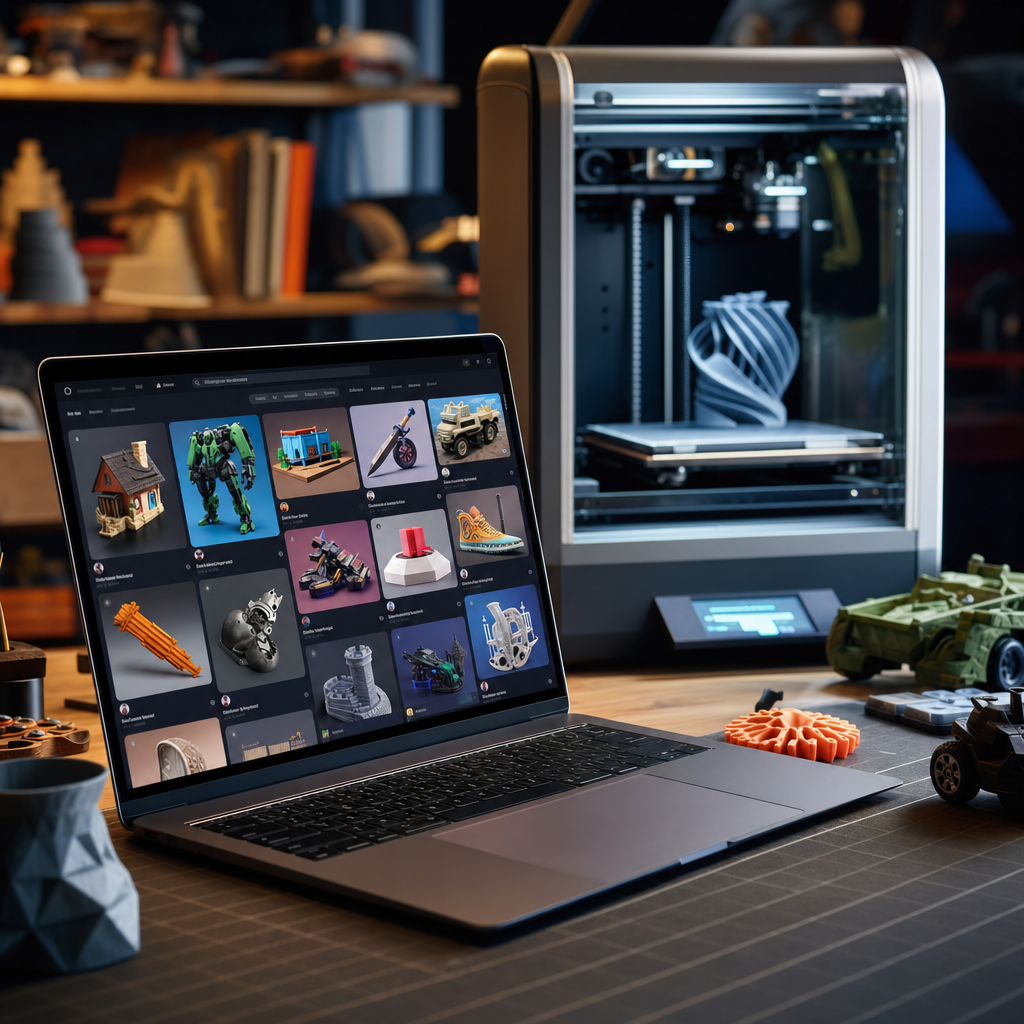
MakerWorld is Bambu Lab ’s model-sharing community - a platform where designers upload 3D printable files and users download, print, and review them. Think of it as the app store for your 3D printer.
It launched in 2023 alongside the rise of the Bambu Lab P1 and X1 series, and its growth has been extraordinary. The platform now hosts millions of free models across every category imaginable: practical household items, toys, replacement parts, cosplay props, miniatures, garden tools, cable management solutions, phone stands, keyring charms, and things you will spend twenty minutes staring at before you understand what they are.
Crucially, it is free to use. You create an account, browse, download STL or 3MF files, and print. No paywall for the vast majority of content.
Why MakerWorld Beat Thingiverse
Thingiverse has a legitimacy problem. It is a vast archive, but a significant chunk of the models are old, untested, unsupported, and uploaded by users who have long since left the platform. Finding a good model often feels like archaeology - you dig through ten outdated or broken files before you find one worth printing.
MakerWorld solved this with two things: curation and community feedback.
Print profiles built in. This is the killer feature. Many MakerWorld models come with pre-configured Bambu Studio print profiles attached. You download the file, open it in Bambu Studio, and the settings are already optimised for common filament types and print qualities. For a beginner, this is transformative. You are not guessing at layer heights and support settings. You are clicking print.
Actual reviews. Every model on MakerWorld has a make feed - photos and comments from people who have printed it, showing you what it actually looks like off a real printer in real filament. This is the difference between buying a product on Amazon with three fake reviews and buying one with 400 genuine owner photos. You can see the print quality, hear about the issues, and make an informed decision.
Active designers. The platform has built a creator economy around model making. Designers earn points when people download and review their work, which can be redeemed for Bambu filament. This incentive structure keeps creators engaged and uploading new content. Compare that to Thingiverse, where the creator incentive structure is essentially nothing.
MakerLab: The Tools That Make It Better
Beyond the model library, MakerWorld includes a suite of online tools under the MakerLab banner. These run in your browser and solve specific problems that used to require third-party software.
PolyTool is a slicer assistant that helps you visualise multicolour prints before you commit filament to them. If you have an AMS (Automatic Material System) and you are planning a complex colour model, this saves waste.
Text-to-3D is exactly what it sounds like - an AI model generator that turns a text prompt into a printable 3D file. The results are variable, as you would expect from any generative AI tool, but for simple organic shapes, characters, and decorative objects it is surprisingly capable. It is not replacing professional CAD design, but for quickly generating a custom badge, a character for a kid’s project, or a personalised gift, it works.
Remixer lets you take an existing model and customise it in the browser - scaling, combining parts, adjusting text. Again, this is not Fusion 360, but for non-designers who just want to tweak something slightly, it removes a significant barrier.
What to Print First: The Tech Dad Recommendations
If you are new to MakerWorld and do not know where to start, here are some categories that consistently deliver useful, well-designed models.
Cable management. The cable management category is arguably where 3D printing earns its keep in a family home. Desk cable clips, monitor cable channels, extension lead holders, under-desk trays. The models are simple, print fast, and solve real problems.
Kitchen drawer organisers. Parametric divider sets that you can configure to specific drawer dimensions are everywhere on MakerWorld. They take about an hour to print and turn chaos into calm. My wife, who had zero interest in 3D printing, became significantly more enthusiastic once she saw what could happen to the utensil drawer.
Kids’ personalised items. Name plates for bedroom doors. Custom bookmarks. Phone stand with their name on it. Miniature figures of their favourite characters. MakerWorld has tens of thousands of these, many of them free, many of them one-click profile downloads.
Replacement parts. This is where 3D printing pays for itself. Broken fridge shelf clip. Missing battery cover. Snapped hook on a toy. Search MakerWorld, and there is a reasonable chance someone has already designed it. If they have not, the community around parametric modelling tools is helpful for custom requests.
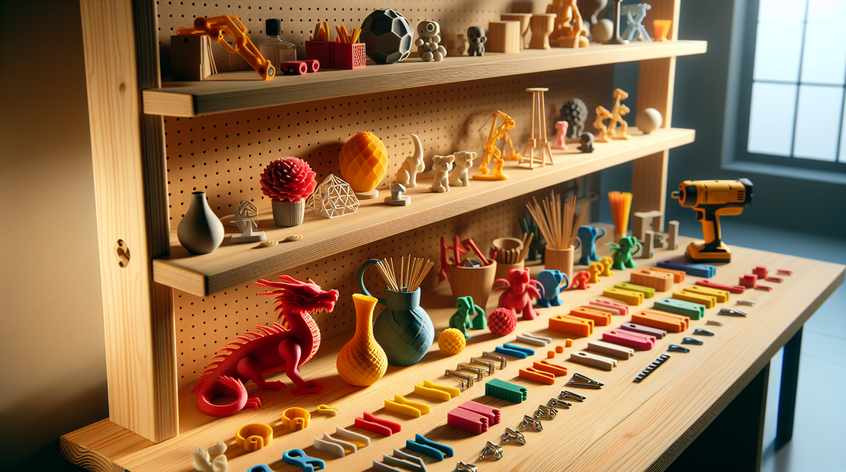
Fidget and desk toys. Mechanical puzzles, articulated dragons, gear sets, spinner mechanisms. If you have a twelve-year-old in the house, print one of these and watch the printer stop being your thing and start being theirs.
Is MakerWorld Only for Bambu Printers?
No, though it is optimised for them. The files are standard STL and 3MF format, which any modern slicer can open. The pre-configured print profiles are Bambu-specific, but the underlying model works in PrusaSlicer, Cura, or any other slicing tool. If you have a Creality, Prusa, Anycubic, or any other printer, you can use MakerWorld perfectly well - you just lose the one-click profile convenience.
That said, if you are shopping for your first printer and want the smoothest possible experience from model discovery to finished print, the MakerWorld plus Bambu Studio plus Bambu hardware combination is probably the most seamless ecosystem available right now.
The Tech Dad Take
| What I Think |
|---|
| I have spent more time on MakerWorld than I would care to admit. The platform has a certain addictive quality to it - one model leads to another, leads to a whole category you had not considered, leads to an hour disappearing. The quality bar is genuinely high, especially in the Maker’s Choice and trending sections. What I appreciate most is that it has lowered the barrier to 3D printing for non-technical people. My daughter asked me to print something she had found on MakerWorld. She found it, identified the right profile, and told me what filament colour she wanted. I just pressed print. That is what good platform design looks like. |
MakerWorld is free to join at makerworld.com . If you are looking for a printer to pair it with, the Bambu Lab P2S remains my recommendation for the serious home user, with the new X2D stepping up for those who want the best of the current range. More on both in my recent printer comparison.
What have you made from MakerWorld? I am always looking for new ideas - find me on X / Twitter or drop a comment below.
