
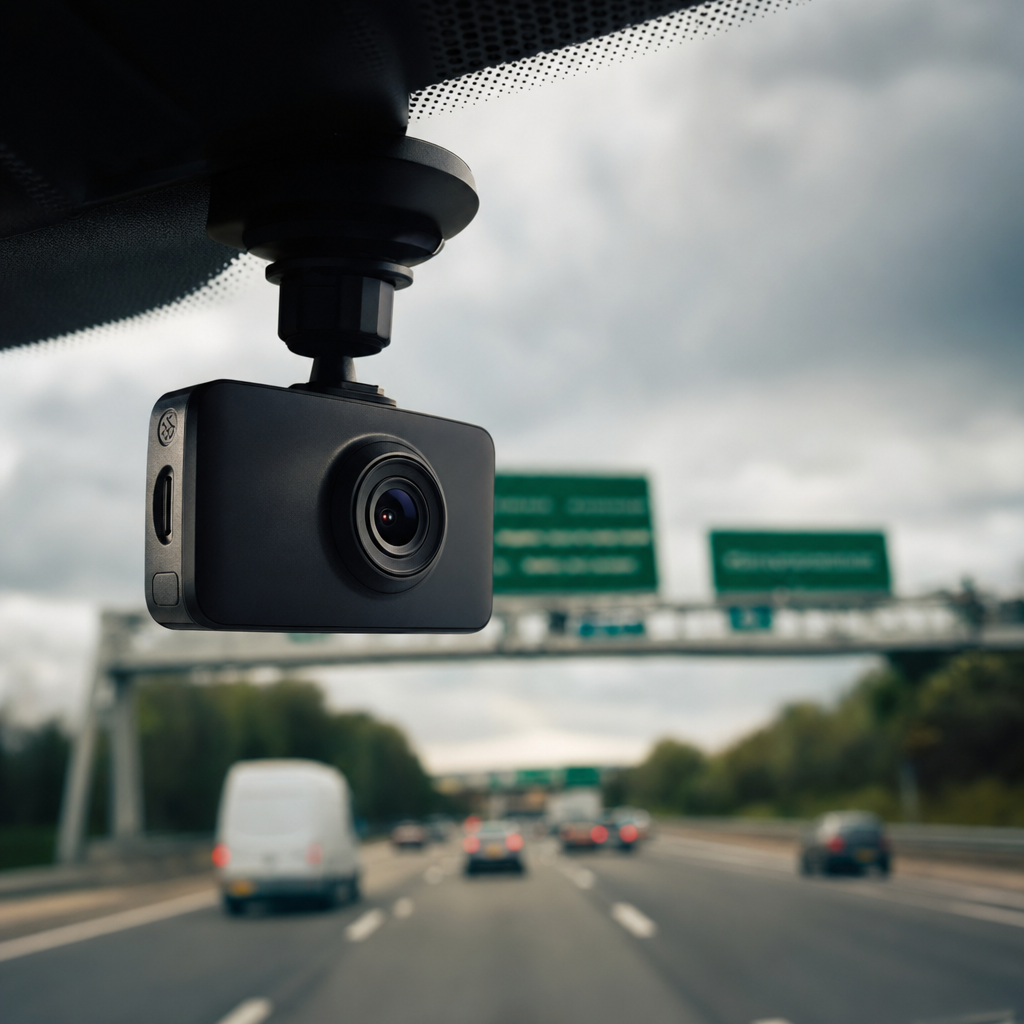
If you’ve been putting off buying a dashcam because there are approximately four thousand options on Amazon and every single one of them claims to be “the best,” I completely understand. I’ve been there. You load up a comparison page, get immediately overwhelmed by resolutions, dual-channel specs, parking modes, and cloud connectivity, and quietly close the tab to watch something on Netflix instead. The problem is, every day you drive without one is a day you’re relying entirely on the goodwill of other road users and the honesty of insurance claimants. In the UK in 2026, that’s a bit of a gamble.
Crash-for-cash fraud costs UK insurers hundreds of millions every year, and rear-end collisions account for roughly 25% of all UK road accidents. A dashcam won’t stop someone hitting you, but it will make absolutely sure you can prove what actually happened. Whether it’s a genuine accident or a staged one, you want footage. Let me walk you through what actually matters when choosing a dashcam for UK roads this year, and then give you my honest picks.
Resolution: 1080p Is No Longer Good Enough
This is the one area where I’d urge you not to cut corners. The minimum recommended front camera resolution in 2026 is 1440p (2K). The reason is simple: at 1080p, number plates at a distance or in poor light are often unreadable. If the whole point is to capture evidence, grainy footage of a car you can’t identify is about as useful as a witness statement from someone who wasn’t wearing their glasses.
4K front cameras are now available for under £200 (around $250), and the difference in clarity, especially on night recording, is significant. Budget 720p cameras are genuinely inadequate for 2026 standards. Police and insurers are increasingly favouring higher-resolution submissions via the National Dash Cam Safety Portal, which allows you to submit footage directly to police forces across the UK. If you’re going to bother, make it count.
Front-Only vs Front and Rear: Get Both
A front-only dashcam covers the most common scenarios. Collisions at junctions, near-misses, and recording dangerous driving ahead of you. But it leaves you completely exposed if someone hits you from behind, and rear-end collisions are among the most disputed accident types on UK roads. The driver behind is almost always liable, but without evidence, a claim that you “reversed into them” is surprisingly hard to disprove in the moment.
A dual-channel dashcam, one camera facing forward and one covering the rear, is now the strongly recommended default for UK drivers. It’s not a premium upgrade anymore. It’s the sensible baseline. Front-only might be acceptable if you’re genuinely on a tight budget, but if you can stretch to a dual system, do it.
Parking Mode: Don’t Ignore It
Parking mode is the feature that records while your car is unattended. If someone clips your car in a car park and drives off without leaving a note (and we all know they do), a dashcam with parking mode catches it. Without it, you come back to a dent and no answers.
There are two types worth knowing about. Standard parking mode wakes the camera when it detects motion or impact. The slight catch is that dashcams do take a moment to boot up, so a hit-and-runner might already be halfway down the street before recording starts. Buffered parking mode records continuously in short loops while parked, meaning there’s no gap. It’s the better option if parking security matters to you.
To use parking mode properly, you’ll almost certainly need a hardwire kit, connecting the dashcam directly to your car’s fuse box so it stays powered when the ignition is off. This is worth doing. A dashcam that powers up automatically every time you start the engine, records the journey, and then monitors the car while parked is genuine fit-and-forget tech. Faffing with a dashcam while driving is actually illegal in the UK under the Highway Code, so the less you have to touch it, the better.
Cloud Connectivity: Useful, Not Essential
Some dashcams, most notably the BlackVue range (which pioneered cloud connectivity in dashcams), offer live viewing, remote access to footage, and instant notifications when the camera detects an incident. This is genuinely impressive if you want to check in on your car remotely or need to pull footage without physically removing an SD card.
For most families, though, cloud connectivity is a nice-to-have rather than a must-have. It adds to the cost, often involves a subscription, and requires a Wi-Fi or SIM connection to function. If you’re managing a fleet or just really love your car, it’s worth paying for. If you’re a regular parent doing the school run and the occasional motorway trip, the simpler local-storage models work perfectly well and save you money.
UK Law: What You Need to Know
Before you mount anything to your windscreen, it’s worth understanding the rules. Dashcams are fully legal in the UK without requiring any special permissions or licences. However, placement matters. Your dashcam must comply with Highway Code regulations limiting windscreen obstruction. During an MOT, a vehicle can fail if an object in the driver’s view is more than 10mm in diameter in ‘Zone A’ (the 290mm-wide area swept by the driver’s wiper), or more than 40mm elsewhere in the swept area. Get it wrong and you could face fines of up to £1,000 and three penalty points. Worse, footage recorded on an illegally positioned dashcam could become inadmissible in legal proceedings or insurance claims, which defeats the entire purpose.
UK law also prohibits manually operating a dashcam while driving. That means switching it on or off, adjusting settings, reviewing footage, or holding and repositioning the device while the car is in motion. It’s treated much the same as using a handheld mobile phone, contravening Rule 149 of the Highway Code and the Road Traffic Act 1988. This is another strong argument for hardwiring your dashcam so it turns on and off with the ignition automatically.
On the privacy side, UK GDPR requires you to inform anyone inside your vehicle that they’re being recorded if your dashcam captures audio or video of occupants. This is especially important for driving instructors, taxi drivers, or anyone using their vehicle for work. You don’t need consent from every pedestrian your camera happens to capture, but you do have a responsibility to handle footage properly. Only use it for its intended purpose, store it securely, and don’t upload footage showing identifiable individuals or number plates to social media. That can amount to a serious GDPR breach.
If you run a business and any work vehicles have a dashcam or CCTV camera fitted, the business needs to register and pay a data protection fee to the ICO. For most small businesses, that’s £52 a year.
The Picks
Vantrue E1 Lite (Front Only)
A solid, no-fuss front camera for anyone who wants a reliable starting point without spending much. It records at 1440p, has a clean interface, and fits neatly on the windscreen without blocking your view. It won’t blow you away, but it does the job honestly.
Pro: Great value, clean footage, easy setup. Con: Front-only, so rear protection requires a separate purchase.
Vantrue E2 Duo (Front and Rear)
This is the sweet spot for most UK families. Dual 1440p channels, solid night vision, and a decent parking mode make it a well-rounded package. The app is straightforward, and hardwiring is simple with the optional kit. A genuinely capable daily driver.
Pro: Strong dual-channel performance at a fair price. Con: Parking mode requires the hardwire kit, which is sold separately.
Nextbase 622GW (Front)
A perennial favourite in the UK and one of the better-known names at retail. The 622GW shoots 4K at the front, has built-in Alexa, and supports Nextbase’s rear camera accessory. Emergency SOS connectivity is a genuine differentiator. Solid build quality and a well-supported ecosystem.
Pro: 4K resolution, excellent build, good UK brand support. Con: Pricier than the competition; rear camera costs extra on top.
BlackVue DR970X-2CH (Front and Rear, Cloud)
If you want the full package, this is it. BlackVue pioneered cloud connectivity for dashcams, and their platform remains the most polished. The DR970X-2CH records 4K front and 2K rear, with full cloud access, live view, and optional LTE connectivity. Parking mode buffering is excellent. This is genuinely impressive kit.
Pro: Best-in-class cloud features, superb video quality on both channels. Con: Premium price, and cloud features work best with an ongoing subscription.
Garmin Dash Cam Mini 3 (Budget, Front Only)
If the budget is tight and you just want something in place, the Garmin Mini 3 is tiny, discreet, and captures 1080p footage reliably. It is front-only and 1080p is below the 2026 recommended standard, but it beats nothing. A respectable starter dashcam for those who need to start somewhere.
Pro: Tiny, discreet, very easy to use. Con: 1080p only, front-only, no parking mode worth mentioning.
Quick Comparison
| Model | Price (GBP) | Best For | Verdict |
|---|---|---|---|
| Vantrue E1 Lite | ~£80 | Budget front-only | Solid starter, nothing flashy |
| Vantrue E2 Duo | ~£130 | Most UK families | Best all-round value |
| Nextbase 622GW | ~£200 | Quality-first buyers | Premium UK favourite |
| BlackVue DR970X-2CH | ~£350+ | Tech and security focused | Best cloud dashcam available |
| Garmin Mini 3 | ~£60 | Absolute budget pick | Better than nothing |
Bottom Line
For most families on UK roads, the Vantrue E2 Duo is the one I’d point you towards. Dual channel, 1440p on both cameras, sensible price, and it does the job without overcomplicating things. Add the hardwire kit and you’ve got genuine fit-and-forget protection front and rear.
If budget is genuinely tight, the Garmin Mini 3 is better than driving unprotected. If you want the absolute best and cloud connectivity matters to you, the BlackVue DR970X-2CH is in a class of its own. And if you’ve got kids who are coming up to driving age and you want something robust with 4K evidence capture, the Nextbase 622GW earns its price.
Whatever you buy, make sure it’s positioned correctly on the windscreen (within the legal limits), hardwired if you want parking mode, and set to record automatically. You should never need to touch it while you’re driving.
Want more honest tech recommendations for family life? Sign up to the Tech Dads Life newsletter at techdadslife.beehiiv.com and I’ll keep the useful stuff coming, without the faff.
