
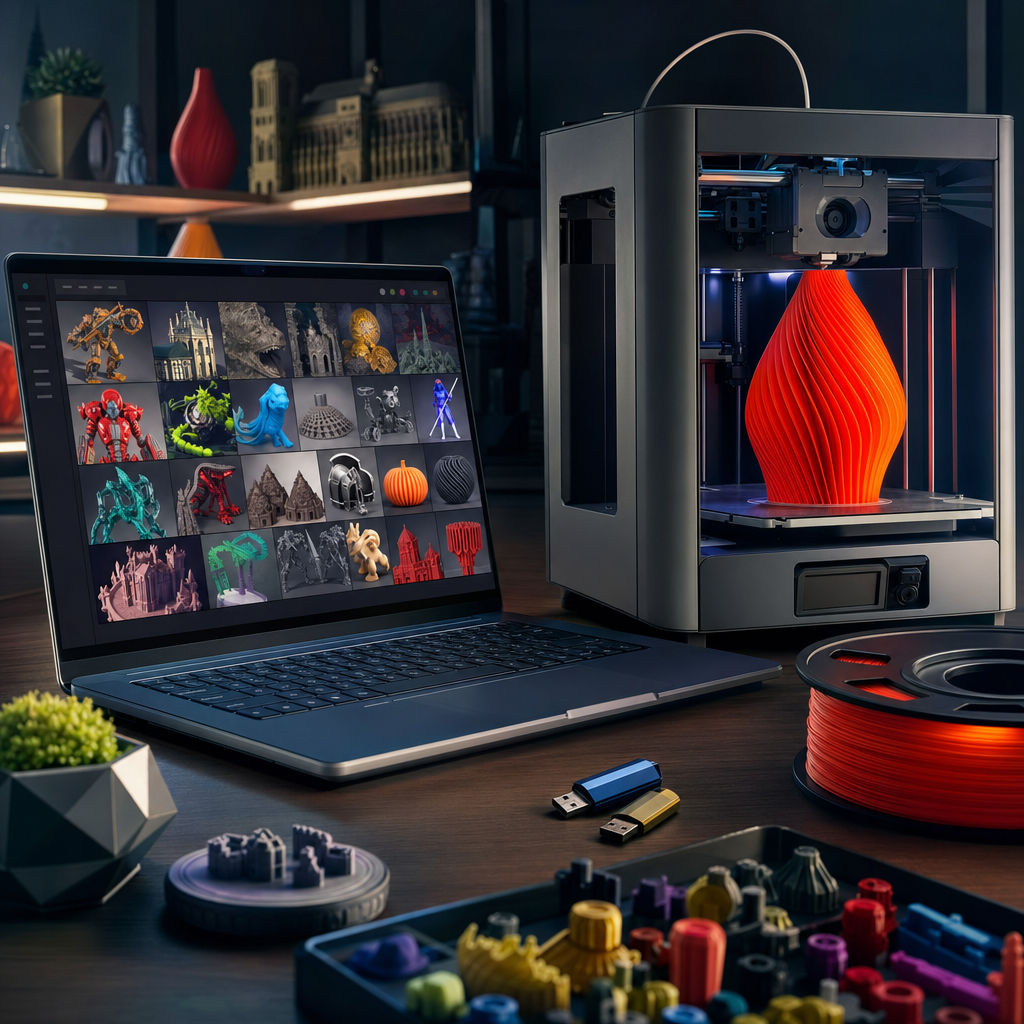
Picking up a 3D printer is the easy part. Once the Bambu Lab P2S is up and running in the garage and you’ve printed the obligatory calibration cube, the next question is always the same: where do you actually get the models? And in 2026, the answer is genuinely more complicated than it used to be. The big platforms have shifted dramatically over the past couple of years. One has rocketed past Thingiverse to become the most-visited STL site on the planet, one got quietly acquired by a company that was itself in bankruptcy six months earlier, and another keeps being dismissed as “Prusa only” despite being open to everyone. If you haven’t revisited this space recently, it’s worth a proper look.
Whether you’re printing replacement parts around the house, making gifts, building something with the kids on a weekend, or just chasing that next satisfying print, the platform you use matters. Not all libraries are equal on quality, not all licences are equal on what you’re actually allowed to do, and some search tools are genuinely brilliant while others will have you scrolling for twenty minutes to find a basic bracket. Here’s an honest breakdown of where things stand right now.
Quality of models and how the platforms police it
This is the one that trips people up most. More models does not mean better models. What you want is a library where the rubbish gets filtered before you waste filament on it.
MakerWorld has done something clever here. Their Boost System prioritises model quality rather than just raw popularity, which means a newer upload with excellent geometry and a well-curated print profile can rise above an older model that got lucky with early downloads. Combined with AI-powered search, it surfaces genuinely useful results faster than you’d expect. The print profiles are a real differentiator. Designers upload 3MF files with slicer settings already dialled in, so if you’re printing on a Bambu machine you can often just hit go. Non-Bambu users can open those same STLs in Orca Slicer or PrusaSlicer without any issue. The misconception that MakerWorld only works for Bambu printers is worth squashing immediately. It doesn’t. It’s brand-agnostic.
Printables takes a slightly different approach. The community votes matter here, and the annual Printables Awards, where every winner is chosen by the community with headline categories carrying a $10,000 prize, push quality designers to put their best work forward. The search filters are excellent: you can narrow by printer type, material, nozzle diameter, print time, and even filament usage before you download a thing.
Thangs, following its acquisition by Shapeways in December 2024, feels like it’s finding its feet again. It still has a genuinely impressive AR preview feature that lets you see how a model will look on your desk via your phone before you print it, which is more useful than it sounds when you’re trying to work out whether something will actually fit on a shelf.
Search and discoverability
Bad search is the fastest way to ruin your enthusiasm for a new hobby. I’ve lost whole evenings to platforms with search that clearly hasn’t been touched since 2017.
MakerWorld’s AI-powered search is the current benchmark for model discoverability. Describe what you want in plain language and it handles it well. With over a million models and nearly ten million monthly active users contributing feedback, the metadata tends to be kept clean.
Printables wins on precision filtering. If you know your exact printer setup, materials, and how much time you want to spend, you can filter down to a genuinely usable shortlist quickly. Their February 2026 update also blended free and paid models into the same search results, which makes finding the best option for any given project more straightforward.
Thangs built its reputation on geometric search, letting you upload a file to find similar shapes across the entire web. That cross-platform search functionality was removed in early 2026, which is worth knowing if that’s the reason you’ve historically recommended it to people. It’s still a solid discovery platform with a large index of over 24 million models, but that particular party trick is no longer on the table.
My personal search habit is to start broad, then get boring quickly. If I need a cable clip, I search for the object, then filter by makes, comments, and recent uploads. A model with ten real-world makes and a couple of sensible comments beats a prettier render with no evidence anyone has actually printed it.
I also check the photos carefully. Real print photos tell you much more than a perfect computer render. Look for messy corners, visible supports, warping, awkward seams, and whether the designer has shown the part in use. If a bracket, hook, mount, or replacement part is only shown floating on a white background, I am more cautious.
Licensing and what you can actually do with files
This matters more than most people realise, especially if you’re making things to sell at a school fair or for a small side project.
MakerWorld’s Exclusive Model Programme pays creators directly in cash ($0.066 per point) for platform-exclusive uploads, which incentivises proper attribution and clear licensing. AI-generated content is explicitly excluded from that programme, and the platform is transparent about that distinction. Read the individual model licence before you use anything commercially. Most are Creative Commons, but the specifics vary.
Printables is similarly clear. Their store filters even let you exclude AI-generated models from search results, signalling a genuine policy-level distinction between human-designed and AI-generated content. They don’t ban AI models outright, but the filter is there, which is a sensible middle ground. G-code files are available on Printables too, but treat those with care. They’re calibrated for specific printers and filaments, and using them on a different setup can cause real problems.
Thangs allows creators to charge membership fees for exclusive content and enables affiliate revenue sharing with promoters. Since the Shapeways acquisition, models can now feed directly into Shapeways’ manufacturing pipeline, which is useful if you ever want a professional print of something rather than doing it yourself.
For family printing, the licence still matters even if you are not selling anything. School fairs, charity stalls, Etsy experiments, and “can you print ten of these for my mate?” all move you closer to commercial use than you might think. I keep a note of where useful models came from and what the licence allowed, because trying to reconstruct that later is a pain.
What I Avoid Downloading
I skip models where the designer has uploaded only G-code unless I know exactly what printer, filament, and settings it was made for. G-code is not a universal model file; it is a set of machine instructions. Running unknown G-code on the wrong printer is asking for a bad evening.
I am also careful with anything that holds weight, touches food, goes near heat, or gets used by children. A toy dinosaur is low stakes. A wall hook holding a heavy bag is not. A replacement dishwasher part, car clip, bike accessory, or child-facing item needs more thought about material, strength, heat resistance, and failure mode.
The picks
MakerWorld
The fastest-growing platform in the space and currently the most-visited STL site globally, with around 39 million monthly visits as of late 2025. The print profiles are genuinely useful, the search is excellent, and the creator rewards system means quality designers are motivated to keep uploading. Non-Bambu users are welcome. The crowdfunding feature, which launched in July 2025, is an interesting touch for anyone who wants to back original design projects.
Pro: Best-in-class search and print profiles, massive and growing library. Con: Heavy Bambu Lab branding can feel like a walled garden even when it technically isn’t.
Printables
Over 1.5 million free models, open to every printer brand despite the Prusa name on the tin. The filtering system is the best I’ve used for narrowing down by real-world print constraints, and the paid Store is clean and reasonably priced. The community is thoughtful and the annual awards genuinely surface excellent design work.
Pro: Superb filtering, brilliant community, and a solid paid store for when free isn’t quite right. Con: Interface feels slightly less slick than MakerWorld, and the sheer volume means you still have to filter carefully.
Thangs
Still worth using, particularly for the AR preview feature and the breadth of its indexed library (over 24 million models). The Shapeways acquisition means the long-term roadmap is a bit harder to predict, and the removal of cross-platform geometric search in early 2026 takes away what used to be its headline feature. That said, the creator ecosystem and exclusive content tiers give it a distinct feel from the other two.
Pro: AR model preview is genuinely useful, and the model index is enormous. Con: Lost its best unique feature in 2026, and the post-acquisition direction is still settling.
Quick comparison
| Platform | Price | Best For | Verdict |
|---|---|---|---|
| MakerWorld | Free (paid exclusives available) | Bambu owners, fast printing, AI search | Best overall for most home printers |
| Printables | Free (Store from roughly £4) | Detail-oriented filtering, all printer types | Best for methodical searchers |
| Thangs | Free (membership tiers available) | AR previews, large model index | Worth bookmarking, not the daily driver it once was |
Bottom line
For most families getting into 3D printing in 2026, MakerWorld is where you start. The search works, the quality control is improving, the library is vast, and it doesn’t matter what printer you’re running. If you want more precise filtering and you’re the type who likes to know exactly how much filament a print will use before you commit, Printables is genuinely excellent and completely free to access. Thangs is worth having in your bookmarks, but I’d describe it as a supplement rather than a go-to at this point, at least until the new ownership finds its stride.
None of these platforms cost anything to browse. So honestly, open all three, run the same search across each, and see what comes back. The best model for your project might live anywhere.
The best free model site is the one that helps you waste less filament. For me, that means good photos, clear print settings, active comments, sensible licences, and enough real-world makes to prove the file has survived contact with actual printers.
If you found this useful and you want more honest takes on 3D printing, family tech, and building things that actually work, come and join the newsletter. No fluff, no sponsored noise, just practical stuff for tech dads.
