Buying a kids’ tablet should be simple. It never is. You’ve got Amazon Fire tablets at one end, iPads at the other, and a sea of Android options in between, all promising to be the perfect screen for your child. Meanwhile, Common Sense Media reckons kids aged 8 to 12 are averaging 5.5 hours of screen time a day, which means the parental controls question isn’t a nice-to-have. It’s the whole game.
I’ve got three kids, and over the years I’ve had pretty much every flavour of kids’ tablet come through this house. Toddler-proof cases with mystery stains, cracked screens, tablets that got forgotten under beds, and one that ended up in a camping bag for an entire summer. So this isn’t a spec-sheet comparison. It’s a practical guide to what actually works for different ages, with honest takes on the parental controls that come with each one.
Screen Size and Age Group: Getting the Match Right
This is where most parents go wrong, and it’s where the money gets wasted. A 7-inch screen is brilliant for a five-year-old sitting in the back of the car. It’s frustrating for a 12-year-old trying to do homework. Go too big for a young child and they’ll drop it, struggle to hold it, and probably smash it within a month.
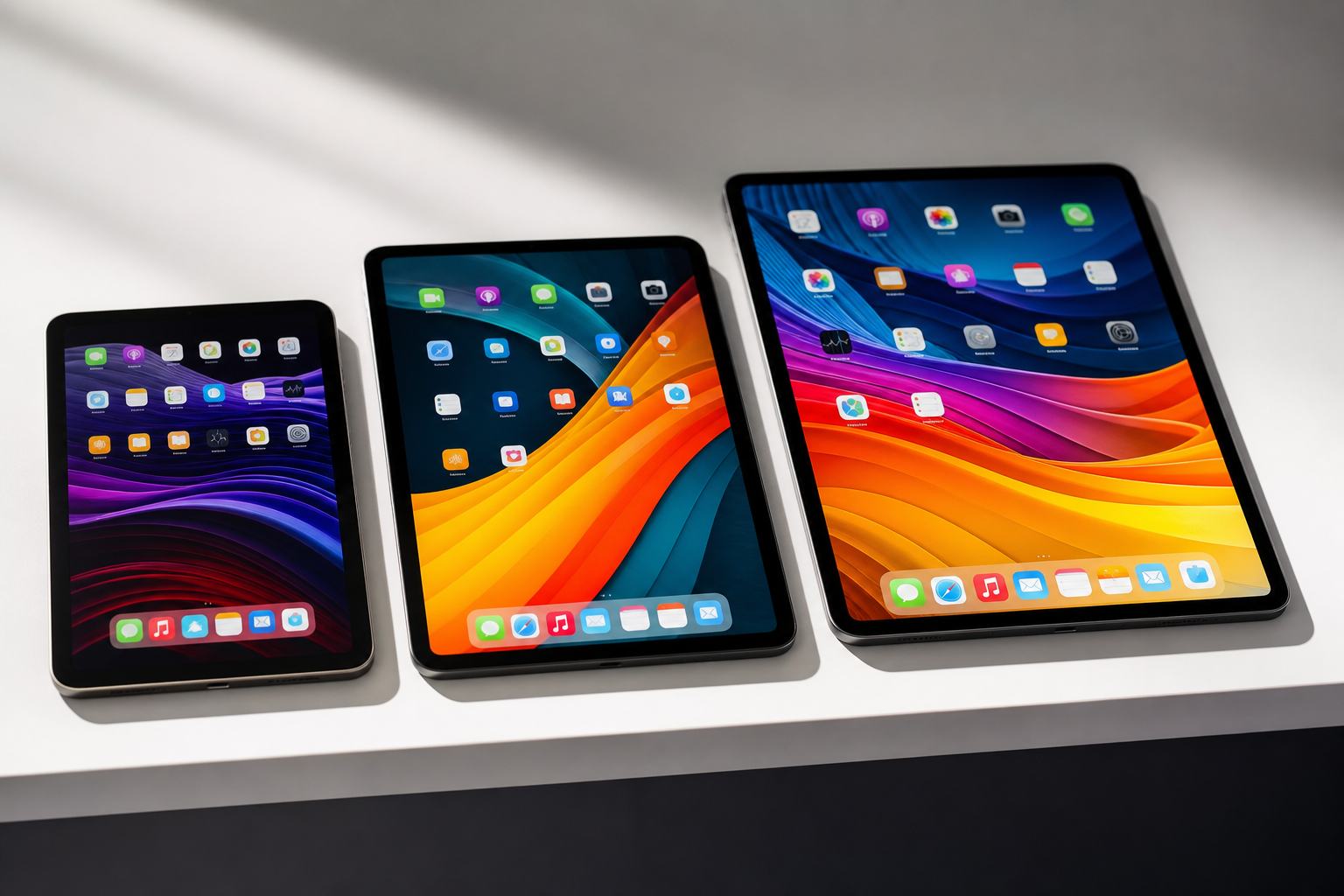
For ages 3 to 7, the sweet spot is a 7 to 8-inch screen. Lightweight, easy to grip, and the size works well for animated content and simple games. Ages 8 to 12 benefit from stepping up to 8 to 10 inches, where there’s enough screen real estate for educational apps and YouTube without eyestrain. Teenagers using a tablet for schoolwork, drawing, or video calls need 10 inches minimum, and ideally something with a sharp display and decent processing power.
Parental Controls: The Feature That Actually Matters
Here’s the honest version. Parental controls vary wildly, and the hardware is secondary to how well you can actually manage what your child does on the device. If you want a proper audit of where the gaps are across all your kids’ devices, not just the tablet, our Family Tech Safety Checker is worth ten minutes.
Amazon’s Parent Dashboard is genuinely the best in class for younger children. You can set daily time limits per content category, so reading might get two hours but games only get one. The “Learn First” mode blocks games and videos until educational goals are met, which sounds gimmicky but actually works. You manage everything from a browser or your own phone, and the Amazon Kids+ content library is substantial, ad-free, and well curated.
Apple’s Screen Time is powerful, but it’s built for families already in the Apple ecosystem. Family Sharing lets you approve every app download remotely, set downtime schedules, and restrict content by age rating. It’s excellent once it’s set up, but the setup is more involved than Amazon’s approach, and it requires everyone to have Apple IDs linked correctly.
Google Family Link , used on Android tablets, sits somewhere in the middle. It covers the basics well, including app approvals, screen time limits, and location sharing, but the experience can feel fragmented depending on the device manufacturer. For younger children especially, I’d lean towards Amazon or Apple over a generic Android setup.
Durability: Which Tablets Survive Real Family Life
All Amazon Fire Kids tablets include a two-year worry-free guarantee. If your child breaks it, Amazon replaces it, no questions asked. That is an extraordinary offer, and for families with younger children it’s worth factoring in the price of that peace of mind.
iPads are tougher than people give them credit for, but they’re not designed to survive being thrown across a room by a six-year-old. A case is non-negotiable, and that adds cost. Samsung tablets without a proper kids’ edition have no equivalent replacement guarantee.
For anything under age 8, the Amazon warranty alone is almost reason enough to go Fire.
Does Paying More Actually Get You More?
The honest answer is: sometimes, but not always proportionately. An Amazon Fire HD 8 Kids at £149.99 does almost everything a young child needs, and the Kids+ content subscription included for the first year adds genuine value. Stepping up to the Fire HD 10 Kids Pro at around £200 gets you a bigger, sharper screen and a faster processor, which makes sense if your child is older and using it for more demanding tasks.
The jump from a Fire tablet to an iPad at £329 or more is significant, and it’s only worth making if the child is old enough to use the iPad ecosystem properly, benefits from Apple Pencil support, or needs access to apps that aren’t available on Amazon’s more limited app store. For a 10-year-old doing school projects and creative work, that investment pays off. For a five-year-old watching Bluey, it doesn’t. Worth factoring in too: the Kids+ subscription and any app purchases add up, and our Family Subscription Cost Tracker is a quick way to see what all the household’s tablets and subscriptions are actually costing you.
The Picks
Amazon Fire 7 Kids - £114.99
The most affordable entry point in the Fire Kids range, designed for ages 3 to 7. It’s lightweight, comes with a proper kid-proof case with a built-in stand, and includes a year of Amazon Kids+ and that two-year guarantee. The 7-inch screen is the right size for small hands, and the Amazon Parent Dashboard makes setup and daily management genuinely straightforward. It’s not the fastest tablet on the market, but at this age and price point, that’s not what matters.
Pro: Best value entry point with excellent parental controls and a bulletproof guarantee Con: Lower-resolution screen and slower processor than the HD 8 models
Amazon Fire HD 8 Kids - £149.99
The best all-round kids’ tablet for the under-10 crowd. The 8-inch HD display is a noticeable step up from the Fire 7, the hexa-core processor keeps things responsive, and 13 hours of battery life means it outlasts even the longest car journeys. Stereo speakers, a USB-C port, and a microSD slot for extra storage round out a very complete package. The Kids+ subscription, parental controls, and two-year guarantee all come as standard.
Pro: Best combination of screen quality, performance, battery life, and value in the range Con: Amazon’s app ecosystem is more limited than Google Play or the App Store
Amazon Fire HD 8 Kids Pro - £149.99
Aimed at ages 6 to 12, this shares the same RRP as the standard HD 8 Kids but is positioned for older children who want a bit more independence. The Kids Pro includes a filtered web browser and allows children to request access to apps like Netflix and Zoom through the parent dashboard. It’s a sensible step up for a child who’s outgrown purely curated content but still needs guardrails in place.
Pro: Gives older kids more flexibility without handing them an unrestricted device Con: At the same price as the standard HD 8 Kids, whether it’s the right choice depends entirely on your child’s age
Apple iPad (2025) - from £329
For children aged 10 and up, the standard iPad is hard to argue with. Screen Time parental controls are comprehensive within the Apple ecosystem, the educational app library is the best available on any platform, and Apple Pencil support opens up proper creative and homework use. It’ll last years with a decent case on it. The price is real, but so is the longevity.
Pro: Best educational app library, excellent longevity, and strong parental controls for families already using Apple Con: Significant price premium, no replacement guarantee, and requires a case to be robust enough for daily family use
Apple iPad Mini - from £479
The compact option for older kids or teenagers who want power in a smaller form factor. The 8.3-inch screen delivers excellent sharpness, and the performance is strong. Best suited to teenagers who want something genuinely portable rather than a full-size tablet. Not a primary recommendation for younger children given the price and the fragility concern without a rugged case.
Pro: Compact and powerful, ideal for teenagers who want portability without compromise Con: Expensive for a device being handed to a child, and the smaller screen suits older users more than younger ones
Quick Comparison Table
| Model | Price (GBP) | Best For | Verdict |
|---|---|---|---|
| Amazon Fire 7 Kids | £114.99 | Ages 3 to 7 | Best budget pick for young children |
| Amazon Fire HD 8 Kids | £149.99 | Ages 4 to 10 | Best overall kids’ tablet |
| Amazon Fire HD 8 Kids Pro | £149.99 | Ages 6 to 12 | Best for older kids wanting independence |
| Apple iPad 2025 | from £329 | Ages 10 and up | Best for school-age children and teens |
| Apple iPad Mini | from £479 | Teenagers | Best portable option for older kids |
Bottom Line
For toddlers and primary school age children up to around 9 or 10, the Amazon Fire HD 8 Kids is the clear recommendation. The parental controls are the best on the market for this age group, the two-year replacement guarantee takes genuine stress out of handing a tablet to a young child, and the price is honest for what you get.
For children aged 10 and up who are doing homework, creative projects, or getting more serious about how they use their tech, the standard iPad is worth the investment. The app library is better, it’ll last considerably longer, and once they’re in the Apple ecosystem it plays nicely with school, with older siblings’ devices, and eventually with their own phone.
If budget is the deciding factor at any age, start with the Fire 7 Kids. It does the job, it’s the most affordable option in the range, and Amazon will replace it if it gets destroyed. With kids in the house, that matters more than you might think. For a deeper dive into the cheaper end of the market, see my dedicated budget tablets roundup .
Want more honest tech for family life, tested in a real Hampshire household with three real kids? Sign up to the Tech Dads Life newsletter at techdadslife.beehiiv.com and I’ll drop the good stuff straight into your inbox. No fluff, no filler.