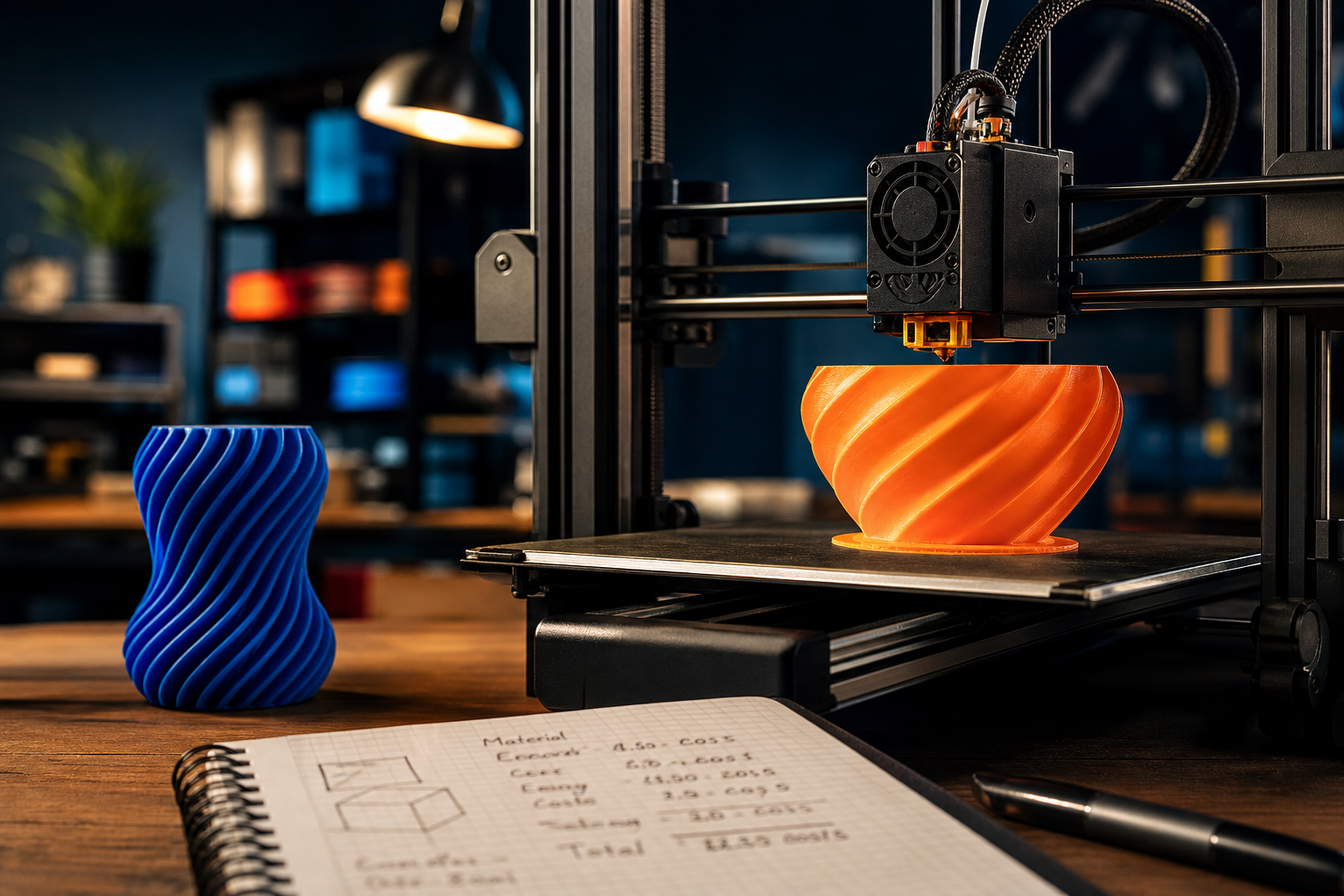
I’ll be honest with you. Before I bought my Bambu Lab P2S, I did what most people do: I watched a load of YouTube videos, got completely swept up in the excitement of watching time-lapses of things magically appearing layer by layer, and convinced myself it would pay for itself in no time. All those things I’d been buying on Amazon? I’d just print them instead. Genius.
What I didn’t do was sit down and actually work out the numbers.
It’s only recently, after a couple of years of printing everything from cable tidies to parts for my RC builds, that I properly stress-tested our 3D Print Cost Calculator using prints I’d actually made. Some of the results were a genuine eye-opener. Not because 3D printing is a bad investment, but because the real cost is almost always higher than the headline “filament cost” people quote. If you’re sitting on the fence about buying a printer, or you already own one and want to understand your true spend, give the calculator a run. Here’s what I found when I did exactly that.
What the Calculator Actually Measures
The TechDadsLife 3D Print Cost Calculator pulls together four cost components that most people either underestimate or ignore completely: filament used, electricity consumed, a failure rate allowance, and your own time. That last one is optional. You can set your time value to zero if you genuinely enjoy the process and don’t count it as a cost. But the first three are unavoidable, and together they tell a very different story to the “it only cost pennies in plastic” line you’ll often hear.
For filament, I’m using standard PLA at around £22 per kilogram, which is a realistic mid-range price for a decent UK brand in 2026. You can go cheaper with bulk generics, sometimes below £15/kg, but you do risk print quality issues, and on a machine like the P2S it’s not worth chasing the bottom. For electricity, I’m working off the current Ofgem Q2 2026 rate of 24.7p per kWh. Worth noting that this changes quarterly, so your number may vary. The P2S sits in the mid-range FDM bracket for power draw, typically around 200W to 250W during active printing, which puts it at roughly 4p to 6p per print hour.
The failure rate is where things get properly interesting, and brutally honest.
Real Print One: The Samsung Earbud Charging Spacer
I have a Tesla Model 3, and the wireless charging pad in the centre console is designed with a specific spacing that means my Samsung Galaxy Ultra earbuds case charges fine, but only if it sits at exactly the right angle. If it shifts slightly, it loses contact and stops charging. Maddening on a longer drive.
I designed a small friction-fit spacer, basically a wedge-shaped cradle that holds the earbud case in the right position on the charging pad. Nothing fancy. The finished piece weighed around 14 grams of PLA, with around 20% infill and no supports needed.
Running that through the calculator:
- Filament: 14g of PLA at £22/kg works out to roughly 31p
- Print time: approximately 52 minutes on the P2S at speed, so under an hour
- Electricity: at 5p per hour, roughly 4p
- Subtotal for a successful print: 35p
That’s a genuinely tiny number and it’s where most people stop. But here’s where I have to be honest. That wasn’t the first print. The first attempt had a slight warp on one corner because I hadn’t cleaned the plate properly, meaning it didn’t sit flush in the car. Bin. Second attempt was fine. So in reality I used 28 grams of PLA and about 1 hour 45 minutes of total machine time, bringing the real-world cost to closer to 67p. Still tiny, still worth it, but nearly double the headline figure.
At a failure rate of around 10 to 15% for straightforward single-colour prints on a well-tuned machine (which is realistic for most experienced users), the calculator automatically adds that buffer. For beginners, a 20 to 30% failure allowance is far more honest. Those failed prints are wasted filament and wasted electricity, full stop.
Real Print Two: The Air Fragrance Holder Behind the Tesla Screen
This one’s a bit more involved. The Tesla Model 3 has a large landscape touchscreen, and tucked behind it there’s a narrow gap that runs horizontally. I found a design on Printables for a small scent diffuser holder that clips into that gap and holds a standard car fragrance refill. It looks like it belongs there, which is the whole point.
This print was larger, used about 38 grams of PLA, needed a small amount of support material (another 4 grams, essentially wasted), and took just under two hours to print.
- Filament (including supports): 42g at £22/kg = roughly 92p
- Print time: 2 hours at 5p/hr = 10p
- Subtotal for a clean print: £1.02
I did actually nail this one first time, so no failure to account for on my end. But if you’re new to printing and applied a 25% failure allowance, the expected cost including likely failures comes out at around £1.28. Still under a child’s lunch money, still absolutely worth doing.
The point I’m making isn’t that these prints are expensive. They clearly aren’t. The point is that the true cost is always higher than the raw material cost, and if you’re evaluating whether a printer is worth buying, you need to account for that from the start.
The Numbers You Need to See Before Buying a Printer
Here’s the part nobody puts in the glossy unboxing video. The printer itself is a significant upfront cost. At the entry level, a Creality Ender 3 V3 SE will set you back around £150 to £200. A Bambu Lab A1 Mini sits at roughly £169 to £250 depending on configuration, and if you want something like the P2S that I have, you’re looking at considerably more. Premium options like the Prusa CORE One push up towards £900 to £1,100.
To put that in context with the prints above: my earbud spacer cost 67p in real terms. I’d need to print roughly 750 of them just to recover the cost of a £500 printer in saved purchases, and that assumes everything I print replaces something I’d otherwise buy, which it absolutely does not. A lot of what I print is stuff I couldn’t buy anywhere.
| Cost Component | Small Print (14g) | Medium Print (42g) | Notes |
|---|---|---|---|
| Filament (PLA, £22/kg) | 31p | 92p | Based on UK mid-range brand |
| Electricity (24.7p/kWh) | 4p | 10p | P2S, approx 200W draw |
| Failed print allowance (15%) | 5p | 15p | Experienced user rate |
| Total (realistic) | 40p | £1.17 | Excludes your time |
| Beginner failure rate (25%) | 47p | £1.40 | Higher allowance for new users |
| Printer cost per print* | varies | varies | Depends on print volume |
*If you print 500 items a year from a £400 printer over two years, that’s 40p per print just for the hardware. Add filament and electricity and your true cost per print is closer to £1 to £2 on average, not pennies.
Hype Cycle Check
LIKELY TO LAST: The core value proposition of 3D printing for home use, making bespoke, functional parts that you simply cannot buy, is absolutely real. The earbud spacer and the fragrance holder are both things that don’t exist commercially. That’s where printers genuinely earn their keep.
WATCH CLOSELY: Filament prices have been gradually stabilising after the supply chain volatility of a few years ago, but energy costs remain unpredictable. The Ofgem cap changes quarterly and could shift your per-print electricity cost meaningfully over a year. Worth checking the current rate when you run your own numbers in the calculator.
VAPOURWARE RISK: The idea that a home 3D printer will “pay for itself” through replacing everyday purchases is largely a myth for most households. The use case is narrower than that, and the honest numbers from the calculator reflect it. Don’t buy a printer expecting to replicate Amazon. Buy one because you genuinely want to make things that don’t exist yet.
CES 2027 Angle
The 3D printing space at CES has been growing steadily, and heading into CES 2027 I’d expect to see cost-of-ownership conversations become much more prominent. Bambu Lab’s continued dominance is likely to push competitors into sharper value messaging, which means more transparency around real running costs, or at least pressure to provide it. There’s also a growing conversation around filament recycling and sustainability that I’d expect to surface more visibly at the show. For family buyers, the pitch is shifting from “look what it can make” to “here’s what it actually costs you,” and that’s a much more honest and useful conversation.
What to Watch
- Ofgem rate changes: The energy price cap resets every quarter. If rates rise again, print electricity costs tick up with them. Worth revisiting your calculator inputs regularly.
- Bambu Lab’s firmware situation: The optional unlock for root access and third-party firmware is worth monitoring if you want more control over your machine. The community response has been mixed and it’s still evolving.
- Budget filament quality: Generic PLA sub-£15/kg is tempting but quality variance is real. As more reviews surface for 2026 batches, it should become clearer which budget brands are actually reliable.
- Print failure data at scale: There’s a growing body of community data on real-world failure rates by printer model and material. As that data matures, it’ll make tools like the cost calculator even more accurate for buyers doing pre-purchase research.
If today’s piece has got you thinking about the real numbers behind your 3D printing setup, or you’re still deciding whether a printer is worth the outlay, the 3D Print Cost Calculator is free to use and takes about two minutes to run. Punch in your filament type, print weight, machine wattage, and your local electricity rate, and it’ll give you an honest per-print cost with a failure allowance built in.
And if you want more of this kind of practical, no-fluff tech breakdown, the stuff that actually helps you make better decisions rather than just hype you up, subscribe to the Tech Dads Life newsletter at techdadslife.beehiiv.com . I send it out regularly and it’s always free.